OpenAI Presence launched on July 22, 2026 as an enterprise platform for voice and chat agents deployed inside customer support, sales, and internal-service workflows. It is impressive infrastructure — and it is not a desktop AI agent. This post is what Presence actually does, where it fits, and why the OpenAI Presence alternative for a small or non-technical team is a desktop AI agent that acts on the operator's own computer.
What OpenAI Presence is, and is not
OpenAI Presence is a deployment platform for AI agents that talk to your customers or employees over voice and chat, with built-in guardrails, policies, and evaluation tools. Help Net Security describes it as "a deployment platform rather than a standalone model" that integrates policies, guardrails, approved actions, simulations, and evaluation tools so companies can operate agents in production. OpenAI's own English-language phone support runs on Presence and resolves 75% of inbound calls without human intervention, according to the same reporting.
Named early customers reflect the scope: BBVA in Mexico is exploring voice support for everyday banking, SoftBank is testing Japanese-language customer conversations, and IAG in Australia is assessing agents for support during natural disasters. These are contact-center use cases at national scale. The platform ships behind a limited general availability program — not a self-serve signup — with deployments led by OpenAI Forward Deployed Engineers and select global systems integrators.
What Presence is not: a personal AI that opens the spreadsheet on your operator's laptop, extracts three numbers, drops them into an email, and sends it. Presence lives on the other side of the customer or the ticket — it is what the caller talks to, not what your team uses to finish the work the caller creates.
Where OpenAI Presence is a good fit
Presence is a strong fit when the buyer is a large enterprise with a voice or chat channel to govern. That means:
- Contact centers with governance requirements. Presence bakes in policy enforcement, approved-action lists, and simulations for edge cases. That is the compliance surface a bank, insurer, or telco already spends real budget on.
- Voice as a primary channel. Presence resolves 75% of OpenAI's own inbound English calls without a handoff. If your team is measured on average handle time and containment rate on a phone line, that is the benchmark that matters.
- A Forward-Deployed-Engineer engagement. Rollouts run through OpenAI's implementation team and named systems integrators. A company that already lives with SI-led implementations of Salesforce, ServiceNow, or Genesys will recognize the pattern.
- A Codex-driven improvement loop. Presence analyzes production sessions and proposes behavioral improvements — a real advantage on a channel where post-launch drift is the failure mode. OpenAI reports that on its own English support line the Codex feedback loop cut human handoffs by 15 percentage points within ten days of deployment; that is the kind of iteration speed that only becomes real when a dedicated feedback loop is watching every session.
If those four are your world, Presence is the right question to ask. It is not the right question if you are a non-technical five-person operations team trying to stop copy-pasting invoices into a spreadsheet by Friday, or a single operator whose next task is "open the vendor's portal, download last month's statement, and reconcile it against the sheet on my desktop."
Where Lapu AI fits instead
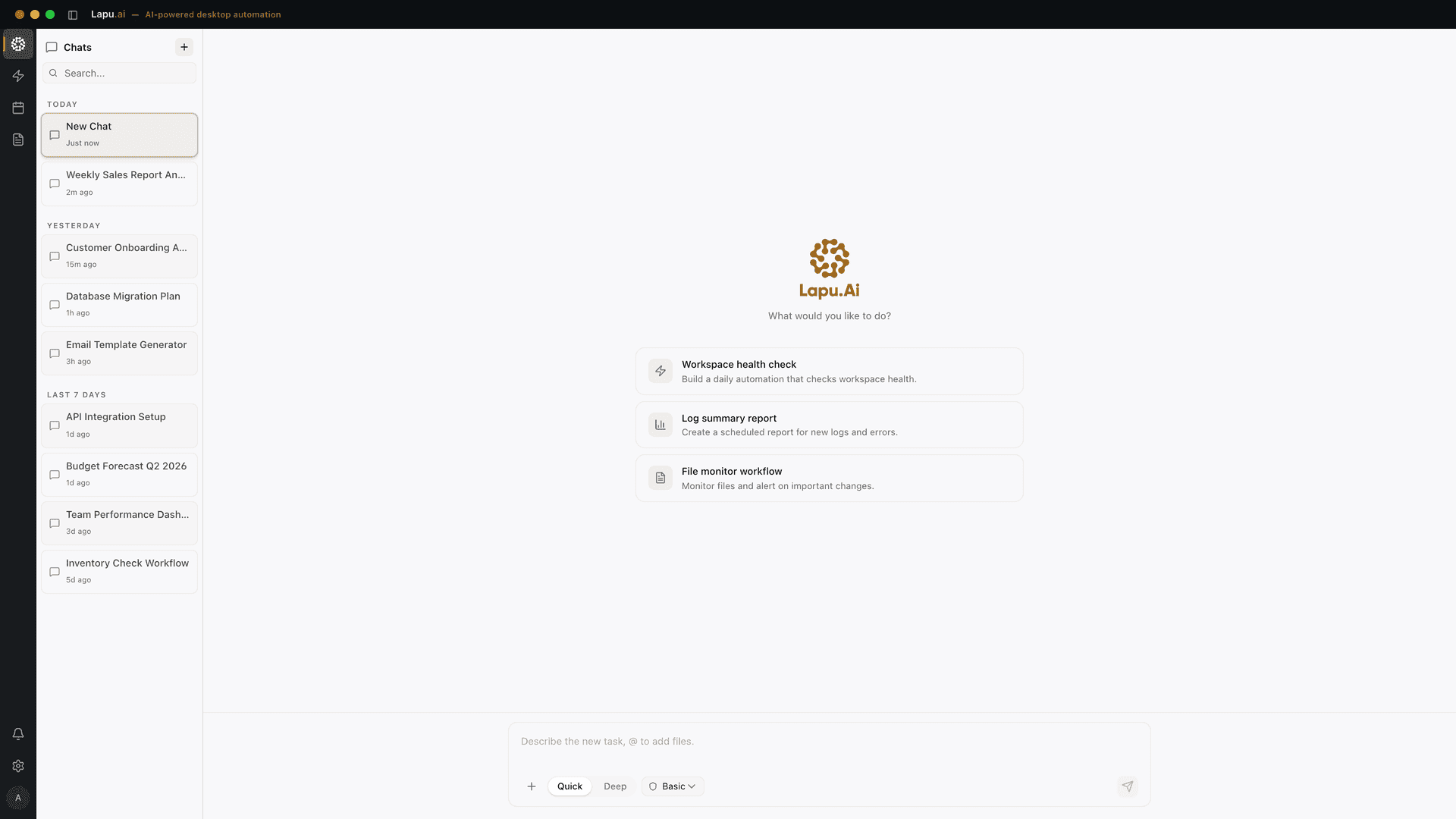
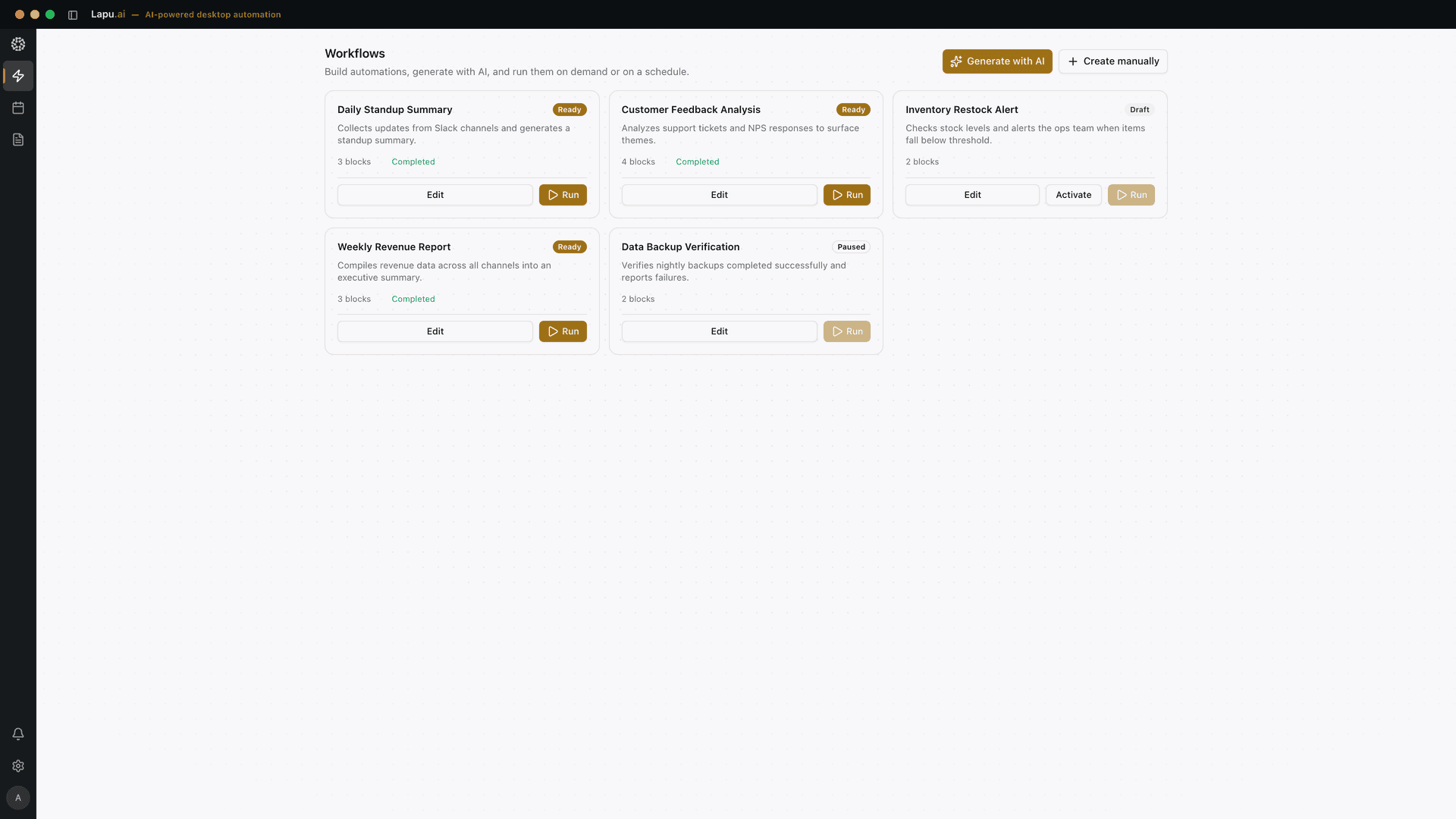
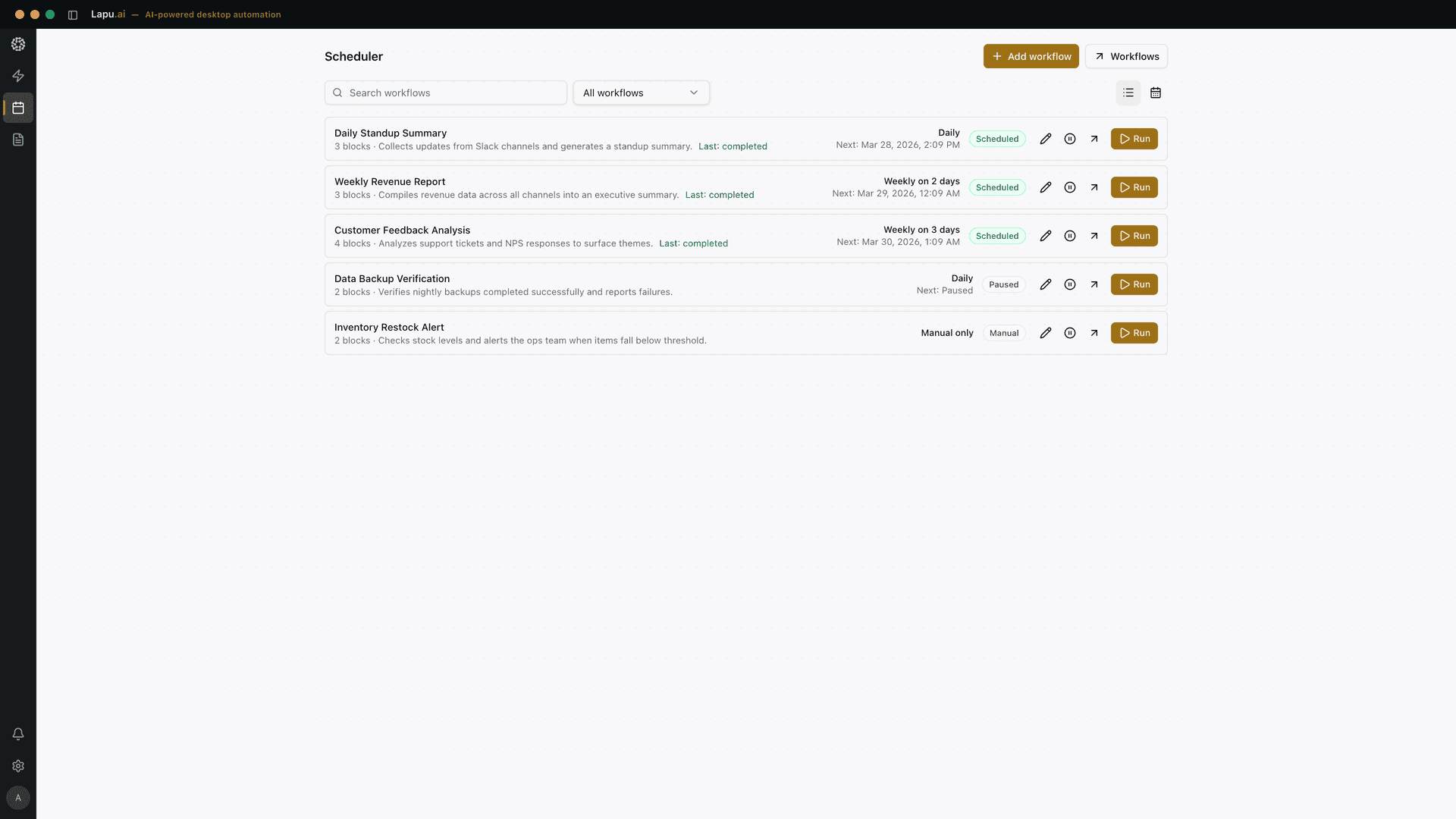
Lapu AI is the desktop AI agent for the operator side of the desk. It installs on macOS or Windows, opens the real applications the team uses, and runs multi-step tasks under permission. It sits in the driver layer — talking to the application's own automation interface, the same one a screen reader uses — instead of taking a screenshot and clicking a pixel. It is available to any team on lapu.ai/download today, no Forward Deployed Engineer required.
The Lapu job is the inward-facing one. Concrete shape:
- A five-to-fifty-person team that needs an agent that acts on the operator's own screen, not the customer's.
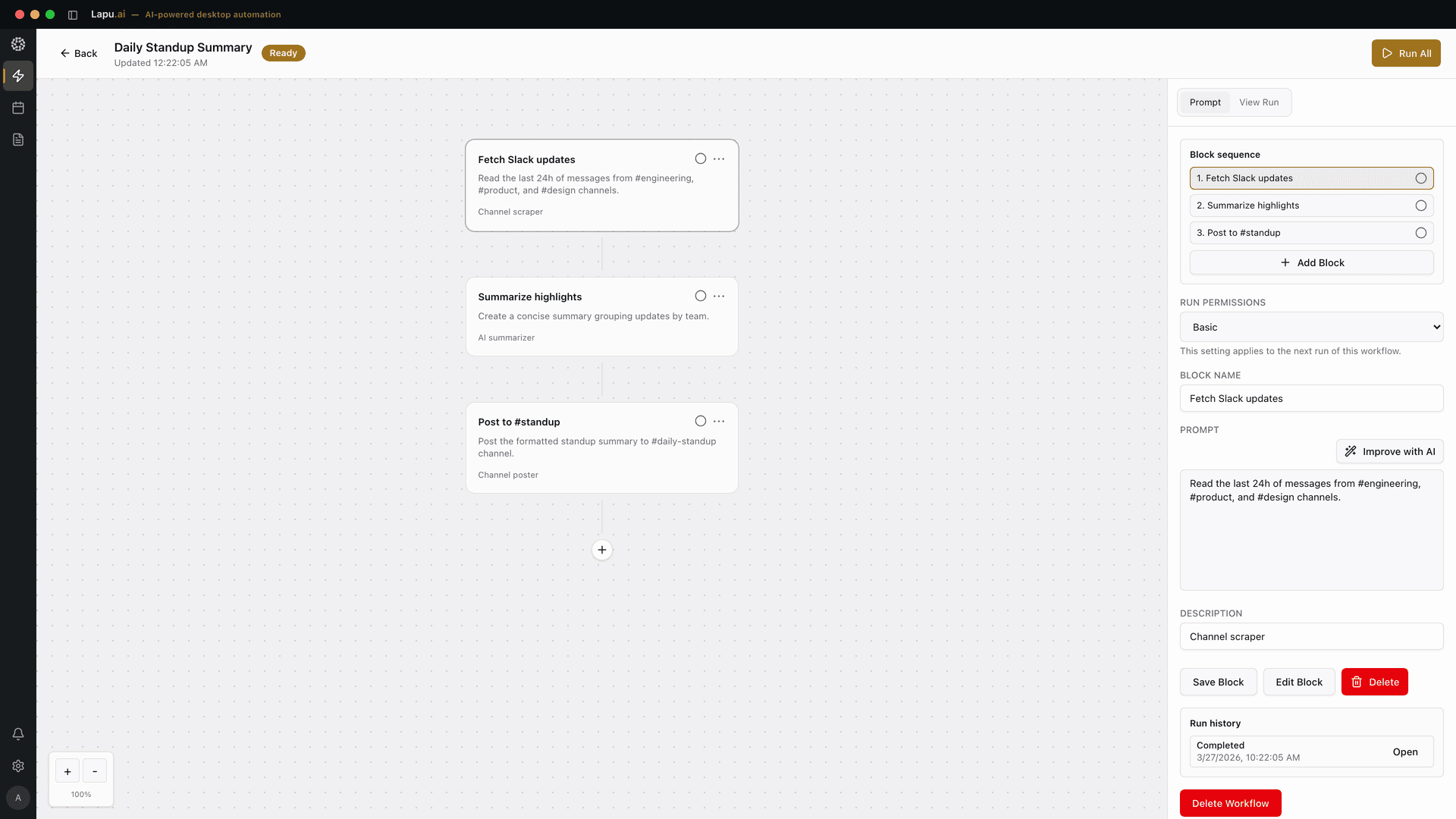
- Real desktop apps. Excel, Outlook, the browser, a legacy Windows form, a PDF the accountant just downloaded. Lapu addresses the Save button by name, not by coordinate, so it does not break when a window moves.
- A per-seat purchase. No integration engagement, no named-integrator hand-off, no minimum commit. The operator downloads it and runs a task in the first session.
- A full audit trail per action. Every read, every write, every command — replayable. That is the property that makes a non-technical operator comfortable handing a task over. See is desktop AI safe? permission models explained for the mechanism.
The contrast is not "Lapu is better than Presence." It is "these are two different jobs and the wrong buyer for each is expensive." A team that buys a limited-GA enterprise voice platform to answer three internal emails a day is over-buying; a bank that hands its inbound call volume to a per-seat desktop tool is under-buying. Match the tool to the actual desk it sits on.
OpenAI Presence vs Lapu AI at a glance
| Dimension | OpenAI Presence | Lapu AIRecommended |
|---|---|---|
| Primary channel | Customer voice + chat | Operator's own desktop apps |
| Where the agent runs | OpenAI cloud environment | macOS or Windows, on-device |
| Buyer | Large enterprise, contact-center owner | Any team, per seat |
| Availability model | Limited GA, FDE-led | Self-serve download |
| Pricing | Scoped per deployment (not published) | Per seat, published |
| How it operates apps | Cloud connectors + approved actions | Driver-layer automation on the desktop |
| Uses your local files | ||
| Post-launch improvement loop | Codex analyzes sessions, proposes changes | Reusable skills + audit log |
| Best-fit use case | Automate the caller's conversation | Automate the operator's screen work |
The two do not overlap on any single row above. A company that runs voice support at national scale can adopt Presence for the caller and Lapu AI for the operator handling the follow-up ticket. That is the honest read.
How to pick between them
Two decisions, not one. Ask them in this order.
Which side of the desk are you automating? If the answer is "the person who calls us" or "the person who chats with our support widget," you are looking at Presence, Amazon Connect + Bedrock, Google Contact Center AI, or an incumbent CCaaS with an agent layer. If the answer is "the person on our team who has to open the sheet and reconcile it against the PDF," you are looking at a desktop AI agent — start with Lapu AI or a peer like Claude Desktop (see the Claude Desktop alternative comparison for the head-to-head).
How technical is the buyer? Presence's limited GA and Forward-Deployed-Engineer model presume in-house engineering plus a systems integrator. Lapu AI presumes the person opening the app is the person doing the work — so the friction budget is low, the download is free, and the first session runs a real task. If your team does not have the appetite for a multi-quarter integration engagement, that is a valid signal about which product to shortlist.
Those two questions dispose of the confusion. Presence solves one job at enterprise scale. A desktop AI agent solves a different job at operator scale. Neither is a shortcut past the other — and picking the wrong one costs quarters, not weeks.
FAQ
- What is OpenAI Presence?
- OpenAI Presence is a limited-availability enterprise platform for building, governing, and improving AI voice and chat agents that answer customer calls, resolve support tickets, and handle internal service requests. It launched on July 22, 2026 with a Codex-powered improvement loop, built-in guardrails, and simulations for pre-launch testing. Deployments are led by OpenAI Forward Deployed Engineers and named systems integrators, not through self-serve signup.
- Is OpenAI Presence available for small teams?
- Not today. OpenAI ships Presence as a limited general-availability program scoped to eligible enterprise customers, with each deployment individually priced based on use case. The rollout depends on OpenAI Forward Deployed Engineers and select global systems integrators, which fits big banks, telcos, and insurers running voice contact centers — not a five-person operations team that wants an agent to handle spreadsheets and email today.
- How is Lapu AI different from OpenAI Presence?
- OpenAI Presence handles a caller or chat visitor on your behalf inside a governed cloud runtime. Lapu AI is a desktop AI agent that runs on your own Mac or Windows machine and uses your real apps — Excel, Outlook, the browser, a legacy Windows form — with your permission and a full audit trail. Presence talks to your customers; Lapu does the desktop work your team was going to do.
- Which one runs on my own computer?
- Lapu AI does. It installs as a native desktop app on macOS or Windows, keeps your files and screen on-device, and drives the applications you already use through a driver-layer automation interface instead of screenshot-based clicking. OpenAI Presence runs in OpenAI's cloud environment — the agent lives beside your enterprise data through connectors and integrations, not on the individual operator's laptop.
- Can I try OpenAI Presence like a normal product?
- No self-serve trial is available at launch. Help Net Security describes Presence as available only to eligible enterprise customers with engagement through OpenAI's account team and support from Forward Deployed Engineers or select partners — not a signup-and-go product. If you want to try a desktop AI agent today without an integration engagement, download Lapu AI from lapu.ai/download and run a task on your own files in the first session.
- Does OpenAI Presence replace a desktop AI agent?
- It solves a different problem. Presence answers the outward-facing question 'how do we automate the conversation a customer or employee has with us?' A desktop AI agent answers the inward-facing question 'how do we automate the work an individual operator does on their own screen?' A company running voice support at scale can use Presence for the caller and Lapu AI on an operator's desktop for the ticket follow-up work — neither cancels the other.
- Is Lapu AI cheaper than OpenAI Presence?
- OpenAI has not published Presence pricing — deployments are individually scoped during the limited GA, so a comparison is not apples to apples yet. Lapu AI is priced per seat with a free download on lapu.ai/pricing, which is the honest positioning: Presence is a company-scale platform commitment, Lapu is a per-seat desktop tool. For a five-to-fifty-person team, per-seat desktop is the affordable path.
Sources
- OpenAI Presence connects AI agents to enterprise data with built-in guardrails — Help Net Security (2026-07-22) · accessed 2026-07-28
- OpenAI launches Presence for enterprise voice agents — IT Brief Asia (2026-07-23) · accessed 2026-07-28