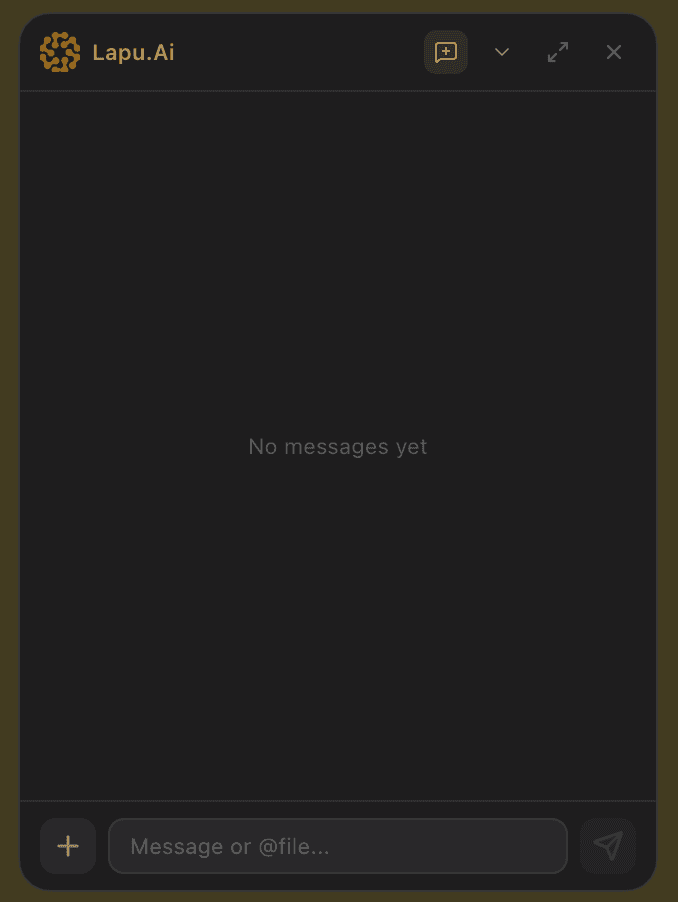

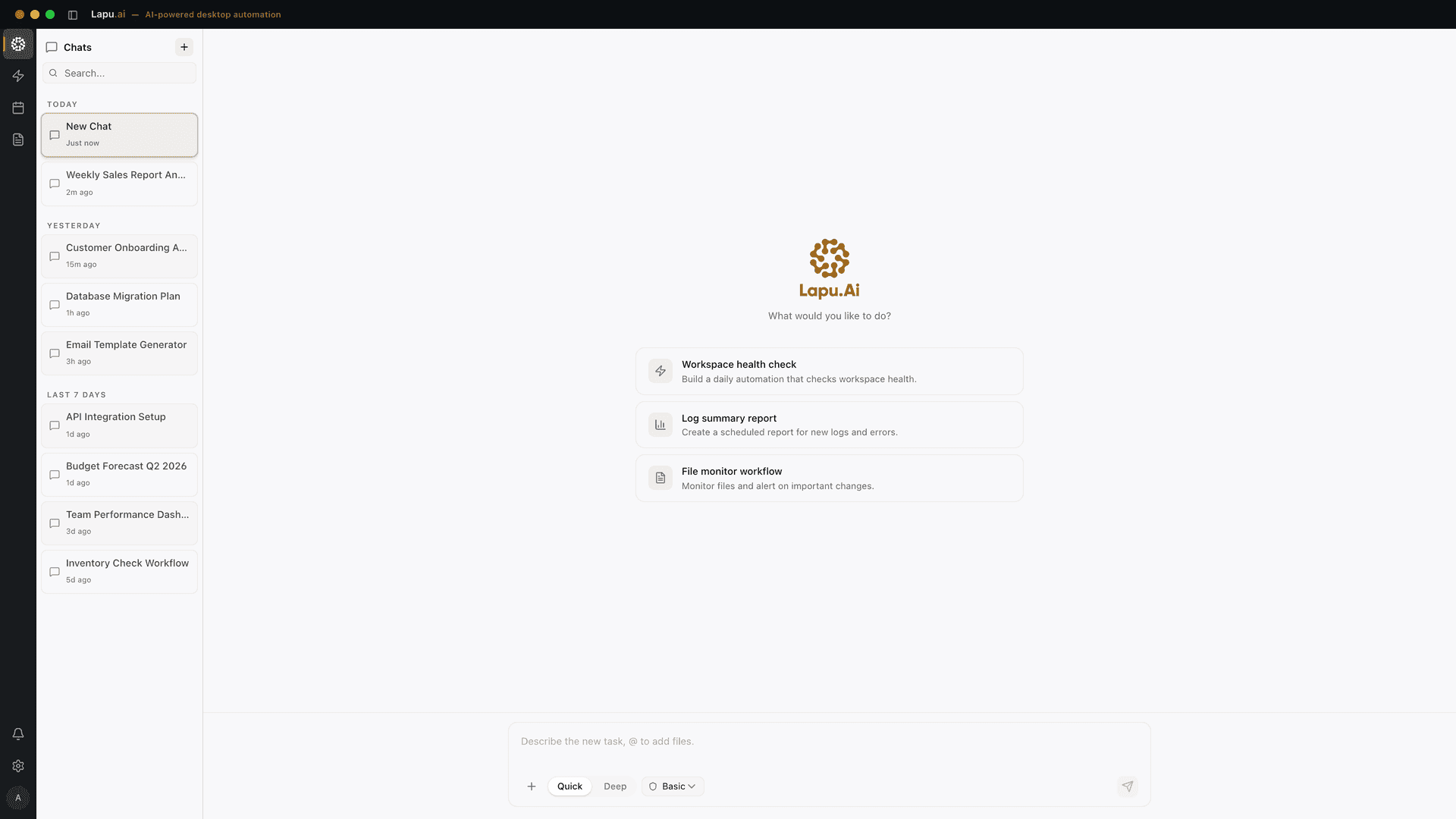
Your desktop, agent-ready.

Lapu AI reads your files, runs commands, and completes multi-step tasks on your machine. You stay in control. It does the work.

Available for macOS & Windows

Trusted by teams running real work through their AI agent


Automates work across the tools your team already uses — right from your desktop.

  • Google Workspace
  • Microsoft 365
  • Salesforce
  • HubSpot
  • Notion
  • Jira
  • GitHub
  • Figma
  • Zoom
  • Stripe
  • Asana
  • Airtable
  • Linear

Free to start

No credit card required

15+

Built-in agent tools

100%

Local. Private. Yours.

Six views, one mission: turn your instructions into finished work.

Built to execute, not just assist

Lapu AI operates where your work actually happens. Desktop-native execution, intelligent task planning, and structured automation give your team an agent that delivers outcomes, not suggestions.

Screenshot of Desktop-native execution in Lapu AI

Desktop-native execution

The agent runs on your machine with direct access to files, terminal, and screen. No browser sandbox, no copy-pasting context. It works where your work happens.

Screenshot of Intelligent task planning in Lapu AI

Intelligent task planning

Describe your goal in plain language. The agent breaks it into steps, selects the right tools, and executes them in sequence — pausing for your approval when needed. Complex work, simple instructions.

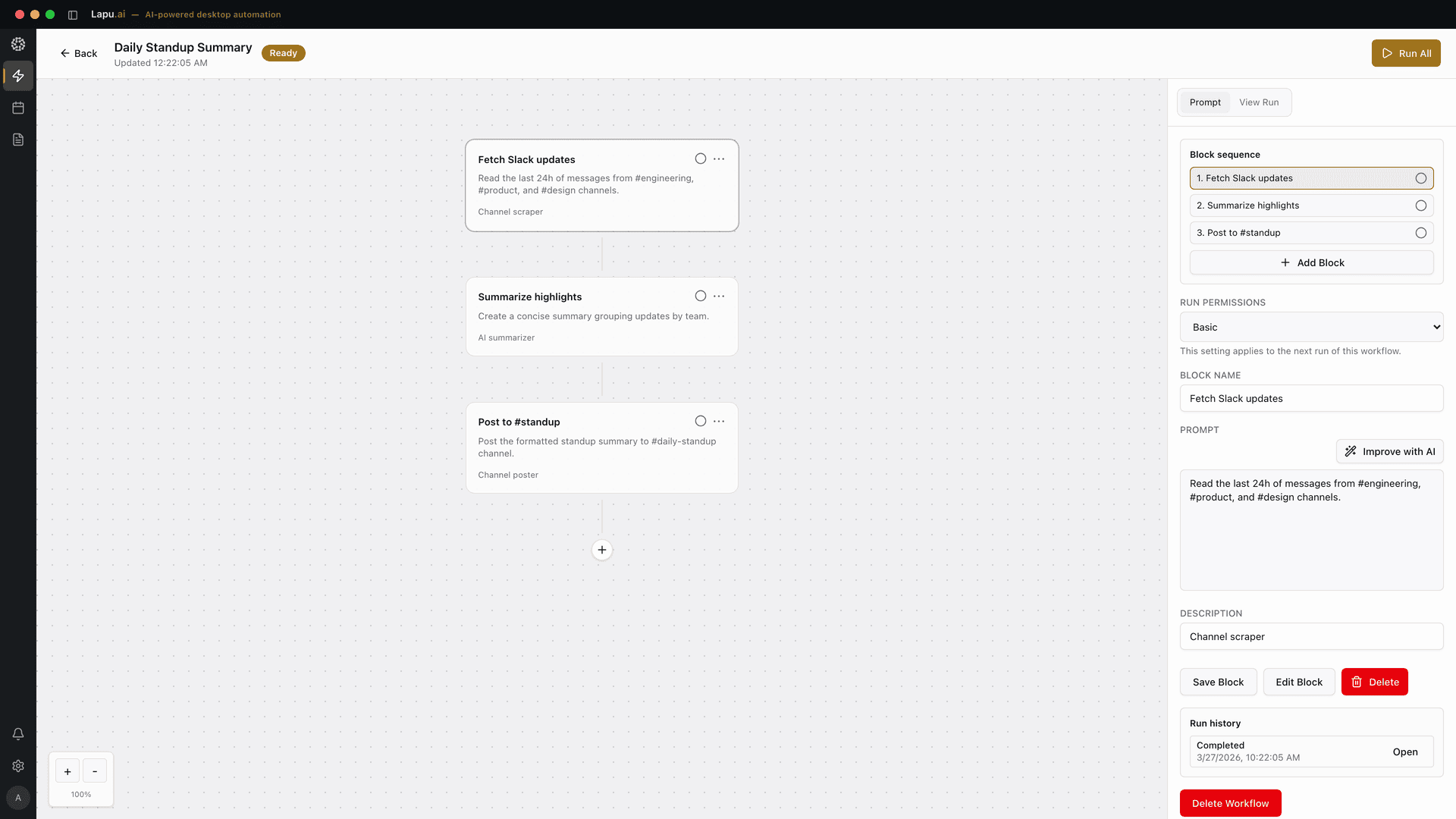
Screenshot of Reusable skills and scheduled automation in Lapu AI

Reusable skills and scheduled automation

Package workflows into reusable skills and schedule them to run automatically. Operational repeatability, team leverage, and recurring tasks handled without intervention.

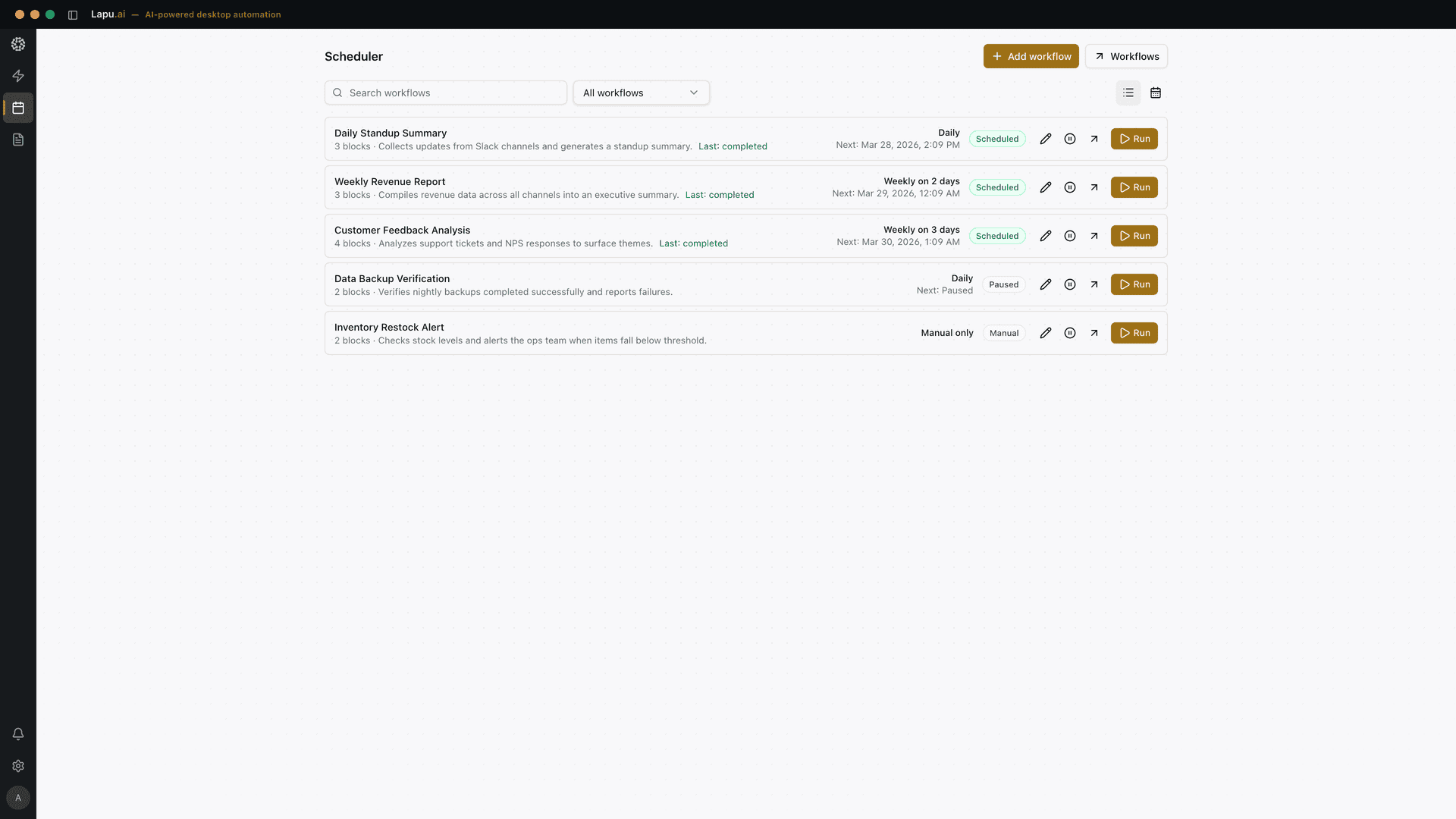
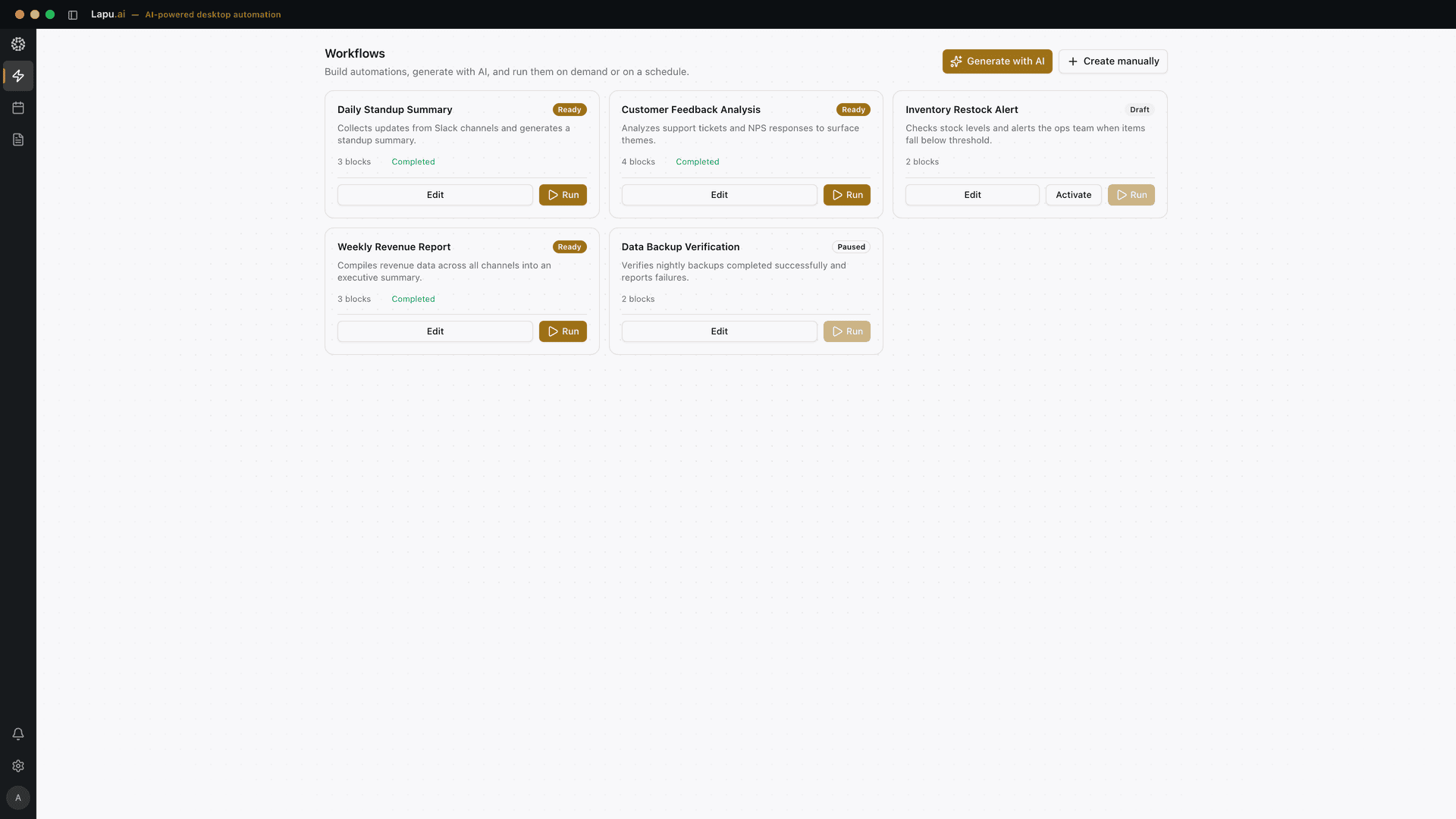
Screenshot of Cross-application workflows in Lapu AI

Cross-application workflows

The agent operates across files, shell, and desktop apps in a single workflow. No tool-switching. End-to-end task completion from request to result.

SECURITY & TRUST

Security and trust, built in from day one

An agent with access to your files, terminal, and desktop must meet a high bar for trust. Lapu AI is architected around four security pillars so you can use it with confidence.


Permissioned execution

Every sensitive action requires explicit user approval before proceeding. File writes, shell commands, and desktop automation are gated by default. The agent never acts beyond its granted scope.

Local-first architecture

Files and data remain on the user's machine. There is no Lapu AI cloud storage, no remote workspace, and no ambient data collection. When AI reasoning is needed, only the relevant context is sent to the model endpoint managed by Lapu AI.

Full audit trail

Every agent action is logged and visible in real time. Tool invocations, file operations, and model calls are recorded with timestamps, parameters, and outcomes for complete operational transparency.

Context isolation

The agent runtime separates renderer, backend, and system-level processes. Each component operates within defined boundaries to limit the scope of any single action.

Everything you need to know

What is Lapu AI?
Lapu AI is a desktop AI agent that does real work on your computer. It combines top-tier language models with direct access to your files, terminal, and desktop — so it can execute multi-step tasks, not just answer questions.
How is this different from ChatGPT, Claude, or Operator?
Chat assistants give you answers. Operator works inside a browser tab. Lapu AI runs on your desktop with direct access to your files, terminal, and apps. It does not just suggest what to do next. It does it, with your approval.
What kinds of work can it handle?
Many repetitive desktop tasks: document processing, data extraction, file management, research synthesis, recurring reports, and cross-app workflows. Results vary depending on the task and model, but most manual desktop work benefits from agent assistance.
What AI powers Lapu AI?
Lapu AI uses frontier language models to reason about your tasks, plan steps, and generate outputs. The AI is built into the product — you do not need to bring your own API keys or configure model providers.
Is my data safe?
Lapu AI stores all files and workspace data locally on your machine — there is no Lapu AI cloud storage for your documents. When the agent uses AI reasoning, it sends only the relevant context to Lapu AI's integrated model endpoint through provider APIs. Every sensitive action requires your explicit approval, and you control exactly what the agent can access.
Do I need to be technical?
No. Lapu AI is designed for non-technical users as well as developers. You describe tasks in plain language and the agent handles the execution. Some complex workflows may require iteration, but most common desktop tasks work well out of the box.

Still have questions? Reach out at [email protected]

Put your busywork on autopilot

Lapu AI handles the repetitive work between you and outcomes. One desktop agent, zero tab-switching. Available now on macOS and Windows.

Create a free account. Download in under a minute.

Lapu AI Agent Chat interface with conversation history and workflow suggestions
Lapu AI — Desktop AI Agent for macOS & Windows