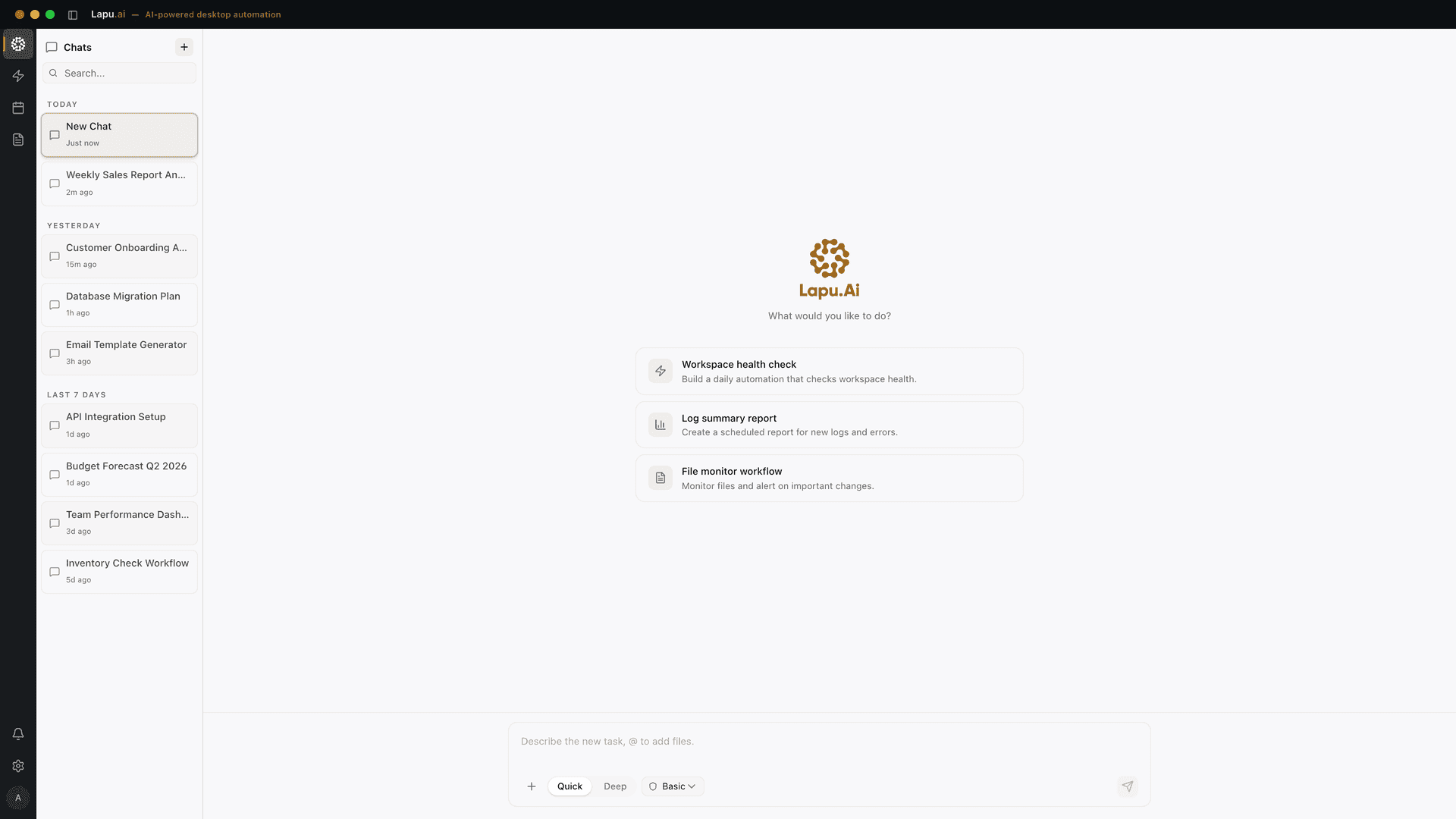
Desktop AI for the work behind each role
Lapu AI is built for non-technical desktop work. The same agent can read local files, operate applications, and run a multi-step workflow; the useful difference between roles is the work you hand it.
Common workflows by role
Founders and small-business owners
Prepare investor updates, reconcile receipts, organize vendor paperwork, and turn CRM or finance exports into a weekly operating summary.
See desktop task automationOperations teams
Run recurring reports, move data between systems, update SOPs, and complete cross-app handoffs without building a connector for every tool.
See cross-app workflowsOffice workers
Process Word documents, clean spreadsheets, fill forms, organize files, and draft routine messages from the files already on the desktop.
See AI for Word documentsAnalysts
Clean CSV exports, refresh Excel workbooks, run local scripts, reconcile two data sources, and prepare the written summary for stakeholders.
See data cleanup workflowsResearchers
Screen source material, extract structured findings, organize local PDFs, and write the result back into a document or spreadsheet with citations intact.
See research extraction
One agent, not a different product for every job
Lapu does not ship a separate analyst, founder, or researcher product. It operates the files and applications already on the machine. A founder may ask it to reconcile receipts; an analyst may ask it to clean the same spreadsheet. Both workflows use the same local tools, permission prompts, and audit trail.
Automate the work between you and outcomes
Lapu AI handles the repetitive work between you and outcomes. One desktop agent, zero tab-switching. Available now on macOS and Windows.
- 1-click uninstall
- Cancel anytime
- Files never leave your computer
Free to start. Cancel in 1 click. Files stay on your machine.