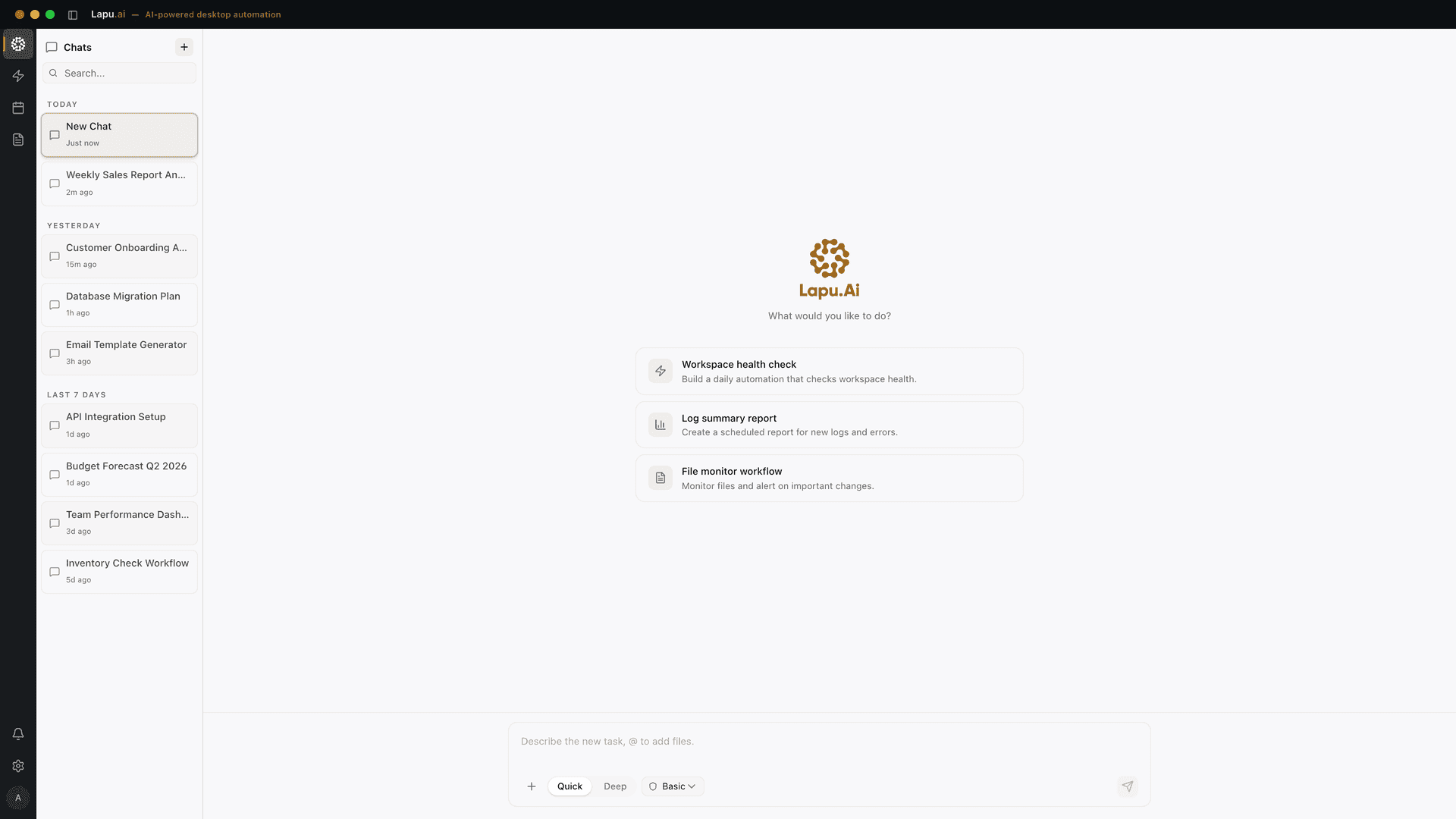
AI for business that works across your apps on macOS & Windows
Lapu AI works with the files, documents, and applications your team already uses. This guide shows where an AI assistant helps, where automation fits, and how to test one workflow without handing over control.
- 1-click uninstall
- Cancel anytime
- Files never leave your computer

What is AI for business?
AI for business means applying an AI model to a defined task, decision, or workflow. It can help a person produce an answer, connect steps between systems, or act across files and applications. The useful unit is the completed workflow, not the model or prompt by itself.
That distinction prevents a common buying mistake. A writing tool, an API workflow, and a desktop agent can all use similar models, but they solve different parts of the job. Start with what must happen after the model produces an answer. If a person still has to find a file, copy data, open three applications, and update a record, the answer was only the first step.
Answer
Draft, summarize, compare, classify, or explain. The output is information a person uses.
Connect
Move structured data between systems after a known trigger. The path is predictable.
Act
Read files, use applications, handle exceptions, and complete several steps toward a result.
Which kind of AI fits the work?
Choose the lightest method that can complete the job reliably. A chat tool is enough for a draft. A trigger-and-action platform is better for a fixed system handoff. A desktop AI agent fits work that crosses documents, local files, websites, and installed applications. The table makes those boundaries explicit.
| Work requirement | AI chat | API workflow | Desktop agentRecommended |
|---|---|---|---|
| Produce an answer or first draft | Strong fit | Possible step | Possible step |
| Move structured data after a fixed trigger | Weak fit | Strong fit | Possible fit |
| Work with local files and folders | Upload required | Weak fit | Strong fit |
| Operate installed or legacy applications | Weak fit | API required | Strong fit |
| Handle a different path on each run | Advises | Rules required | Reasons at runtime |
| Run a high-volume, exact transfer | Weak fit | Strong fit | Use selectively |
A concrete example: process a supplier invoice
Chat can explain an invoice after you upload it. An API workflow can move standardized fields between supported systems. A desktop agent can open the incoming PDF, extract the fields, update an existing spreadsheet, enter approved data into a vendor portal, and save the result beside the source file. The right choice depends on where the task ends.
How do you introduce AI into a business?
Introduce AI through one bounded workflow with a named owner, clear inputs, a reviewable output, and explicit approval rules. Run it on real work under supervision, measure the complete handling time after corrections, and expand only when the workflow performs better than the current process.
- 01
Choose one repeated workflow
Pick work that happens often, has a clear beginning and end, and produces an output a person can check.
- 02
Write down the current path
List the files, applications, decisions, handoffs, and approvals used today. This reveals where chat, an API workflow, or a desktop agent fits.
- 03
Define the safe boundary
Decide what the AI may read, what requires approval, what it must never change, and who owns the final result.
- 04
Run the workflow with supervision
Use real but controlled work. Record correction time, exceptions, and whether the final output was usable after review.
- 05
Keep, revise, or stop
Expand only when the complete workflow takes less human effort after checking the output. A fast draft that creates more review work is not a win.
How should a business govern AI work?
Governance starts at the workflow boundary. The business must know what the agent can access, which actions need approval, what gets recorded, and who remains responsible for the result. The NIST AI Risk Management Framework organizes this work around governing, mapping, measuring, and managing risk. A small pilot still needs all four.
Access
Limit the files, applications, and accounts available to the workflow.
Approval
Pause before sending, deleting, purchasing, or changing protected records.
Evidence
Keep an audit trail of actions, inputs, outputs, and exceptions.
Ownership
Name the person who reviews the result and decides whether the workflow expands.
Data location needs the same precision. With Lapu AI, files and workflows stay on the computer. Relevant context is sent through Lapu AI infrastructure to model providers when the agent needs to reason. That is a local-first architecture, not a promise that no data ever leaves the device. Review the security and data boundaries before using sensitive material.
Where does Lapu AI fit?
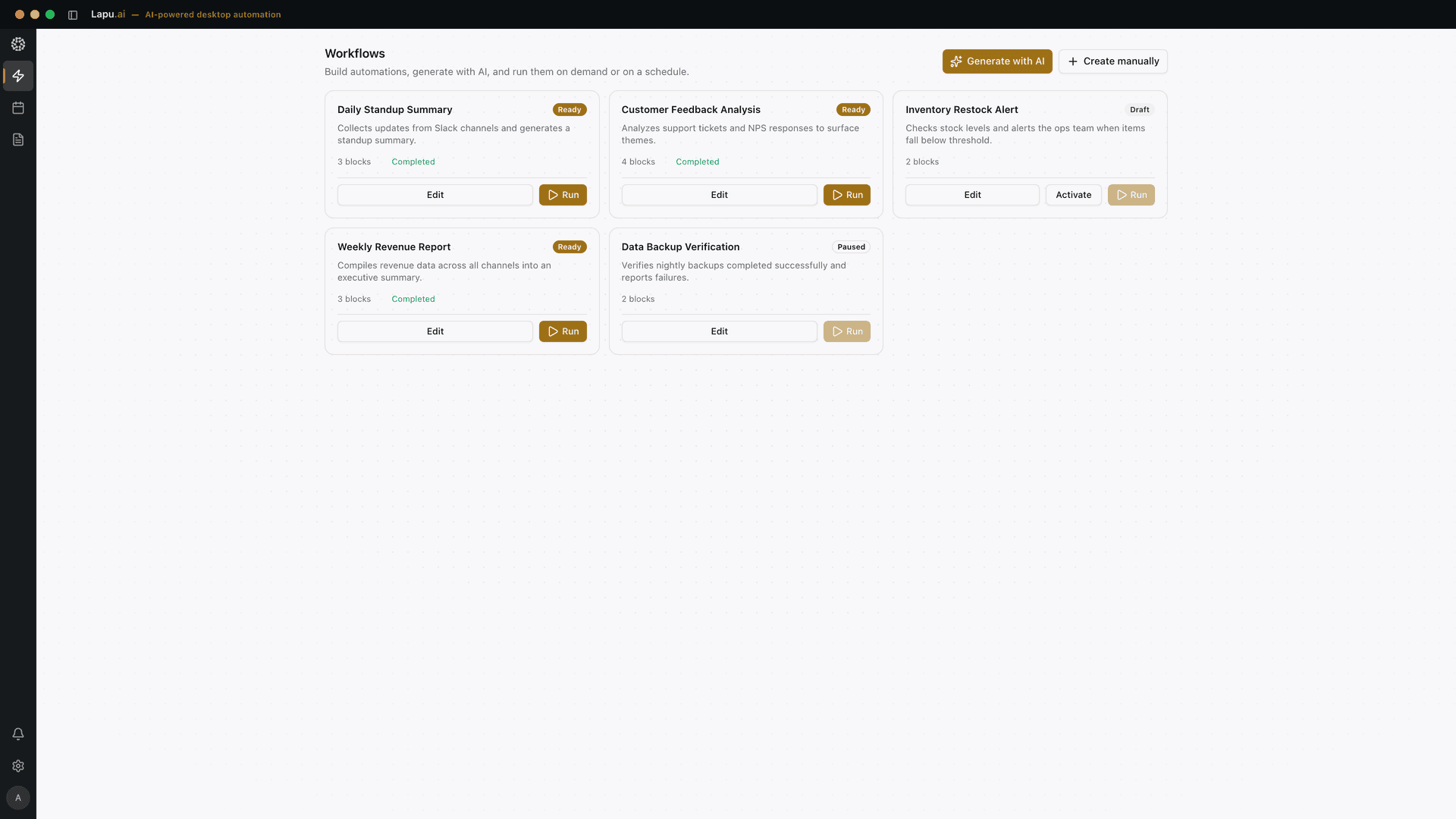
Lapu AI is a desktop AI agent for work that continues beyond a chat answer. It can read and edit files, process documents, work with spreadsheets, browse the web, and operate desktop applications on macOS and Windows. You describe the result in plain language, review the plan, and approve sensitive actions.
On Windows, the agent can address named interface elements through the operating system’s automation layer. Microsoft documents that layer as programmatic access to most desktop interface elements. In applications where real input is the better method, Lapu can use the keyboard and mouse instead. This is useful when a workflow crosses a spreadsheet, a folder, a website, and older business software.
A strong fit
- • Repeated work across files and applications
- • Documents and spreadsheets that vary between runs
- • Internal tools or older software without a useful API
- • Workflows that need visible approval checkpoints
Use another method
- • Use chat when you only need an answer or draft
- • Use an API workflow for exact, high-volume transfers
- • Keep high-stakes judgement with a qualified person
- • Do not automate a process nobody can clearly explain
Frequently asked questions
What does AI for business mean?
AI for business means applying an AI model to a defined business task, decision, or workflow. Useful applications include drafting and analysis, moving information between systems, and completing work across files and applications. The business result comes from changing the workflow, not from adding a model by itself.
What is the best first AI workflow for a business?
Start with one repeated, reviewable workflow that already has a clear owner. Good first candidates include sorting documents, extracting fields from PDFs, cleaning a spreadsheet, preparing a recurring report, or moving approved information between applications. Avoid a high-risk or company-wide process as the first test.
When should a business use an AI agent instead of a chatbot?
Use a chatbot when the output is an answer or draft. Use an AI agent when the work continues after the answer: reading files, operating applications, changing a document, or completing several steps. The agent still needs a defined scope, permission rules, and a person responsible for the result.
Does Lapu AI keep business files private?
Lapu AI stores files and workflows on the user's computer rather than in a Lapu AI cloud workspace. When the agent needs to reason about a step, it sends the relevant context through Lapu AI infrastructure to model providers. Businesses should review that boundary against their own data policy before deployment.
Can Lapu AI work with applications that do not have an API?
Yes, when the application exposes a usable desktop or web interface. Lapu AI can work through the application's automation layer and can also send real keyboard and mouse input when that is the better method. This makes it useful for local software, internal portals, and older Windows applications.
How should a business measure an AI pilot?
Measure the complete workflow after human review. Track handling time, correction time, exception rate, and whether the output met the existing standard. Also record setup and supervision effort. A pilot succeeds only when the total process improves, not merely when the AI produces a fast first draft.
Can business AI turn websites, PDFs, and spreadsheets into a client proposal?
Yes, when the workflow uses approved sources and ends with human review. A desktop agent can gather findings from web pages, PDFs, spreadsheets, and local files, then draft the proposal in the required template. Keep the source trail with the draft, label each USD amount with its date and source, and require a person to approve claims, prices, and delivery terms before sending.
How does business AI work on a desktop?
Business AI on a desktop can complete work that spans local files and installed applications, not just produce a chat answer. On Windows, Microsoft UI Automation provides programmatic access to most desktop interface elements, so an approved agent can address controls such as buttons and fields instead of relying only on screen coordinates. Choose this approach when the workflow crosses documents, spreadsheets, websites, and business software, then keep approval checkpoints for sensitive actions.
Sources
- NIST: AI Risk Management Framework. A voluntary framework for managing AI risk across design, use, and evaluation.
- Microsoft Learn: UI Automation Overview. Technical documentation for programmatic access to Windows interface elements.
- Zapier: Zap workflows quick start guide. Documentation for trigger-and-action workflows that connect applications.
- NIST AI RMF Playbook: Measure. Guidance to measure and document human oversight of AI system outputs, including overrides and reported errors.
Published and reviewed September 4, 2026 by the Lapu AI team.
Test one real workflow
Start with a document, spreadsheet, folder, or application task you can review. Lapu AI is free to try on macOS and Windows.
Automate the work between you and outcomes
Lapu AI handles the repetitive work between you and outcomes. One desktop agent, zero tab-switching. Available now on macOS and Windows.
- 1-click uninstall
- Cancel anytime
- Files never leave your computer
Free to start. Cancel in 1 click. Files stay on your machine.