
Schedule AI workflows to run automatically
Set it once, let it run. Turn any conversation into a reusable workflow that fires on a schedule — daily reports, recurring cleanups, and routine data pulls happen without you.
- 1-click uninstall
- Cancel anytime
- Files never leave your computer
At a glance
| Workflow | Cadence | Next run |
|---|---|---|
| Weekly revenue report | Every Mon 09:00 | Mon, 9:00 AM |
| Invoice inbox sweep | Daily 18:00 | Today, 6:00 PM |
| Backup verification | Every 2 days | Tomorrow |
| Downloads cleanup | Weekly, Fri | Fri |
Impact
What changes
The same task, two ways — how it plays out by hand today, and what changes once Lapu AI runs it for you.
Without Lapu AI
An operator spends the first 30 minutes of every Monday assembling the same weekly report by hand — pulling numbers, formatting them, and saving the file — and occasionally forgets to run it at all.
With Lapu AI
Lapu AI runs the saved workflow on schedule, assembles the report, and has it waiting before the day starts. The operator reviews the output instead of building it.
The challenge
The same tasks come back every day or every week: pull yesterday's numbers into a report, clear out a Downloads folder, reconcile a CSV, send a recurring summary. Doing them by hand is easy to forget and easy to get wrong, and stitching together cron jobs or scripts requires technical setup most people skip.
How Lapu AI solves this
Build a task with Lapu AI once, then tell it to run itself: every morning, every Monday, whenever you like. The Monday report, the nightly folder cleanup, the daily data pull just happen, and you wake up to the result instead of the chore. No cron jobs, no scripts to babysit; you set the rhythm in plain language.
Scheduled runs replay a workflow you already approved. Sensitive actions still require confirmation, and every run is logged in the audit trail.
Workflow
How it works
Build the task once
Walk through the task with the agent in plain language and approve the steps. Once it works end to end, you have a sequence worth repeating — for example, a Monday metrics report or a nightly folder cleanup.
Save it as a reusable workflow
Turn the conversation into a saved workflow. Lapu AI captures the tool chain and the order of operations so the task can run again without you re-explaining it.
Set a schedule and let it run
Choose a cadence — daily, weekly, or your own interval. The workflow runs automatically, produces its output, and flags anything that needs your approval or attention before continuing.
Under the hood — for the technically curious
When you save a conversation as a workflow, Lapu AI captures the proven tool chain and the order of operations, then replays it on the cadence you choose. Scheduled runs only repeat steps you already approved; anything newly sensitive still pauses for confirmation, and every run is logged in the audit trail. Automatic scheduling is part of the Pro plan.
Permissions it asks for
- Workflow — to save and replay a reusable sequence of approved steps
- Scheduler — to run a saved workflow automatically on a cadence
- File Read — to read the inputs a scheduled task depends on
- File Edit — to write reports, logs, and outputs (sensitive actions require approval)
Each is permission-gated — Lapu AI asks before it runs.
Just ask
Say it in plain words
No commands to learn. Tell Lapu AI what you want the way you would tell a coworker.
You
Every weekday at 8am, pull the latest numbers from metrics.csv, generate the summary chart, and save it to the reports/ folder.
You
Once a week, scan my Downloads folder, sort new files into the right subfolders, and write a log of what moved.
You
Every morning, read the overnight error logs, summarize the top issues, and save a brief to standup-notes.md.
Ready to try this workflow?
Download Lapu AI and run it on your own machine. Free to start — see exactly what it looks like first.
- 1-click uninstall
- Cancel anytime
- Files never leave your computer
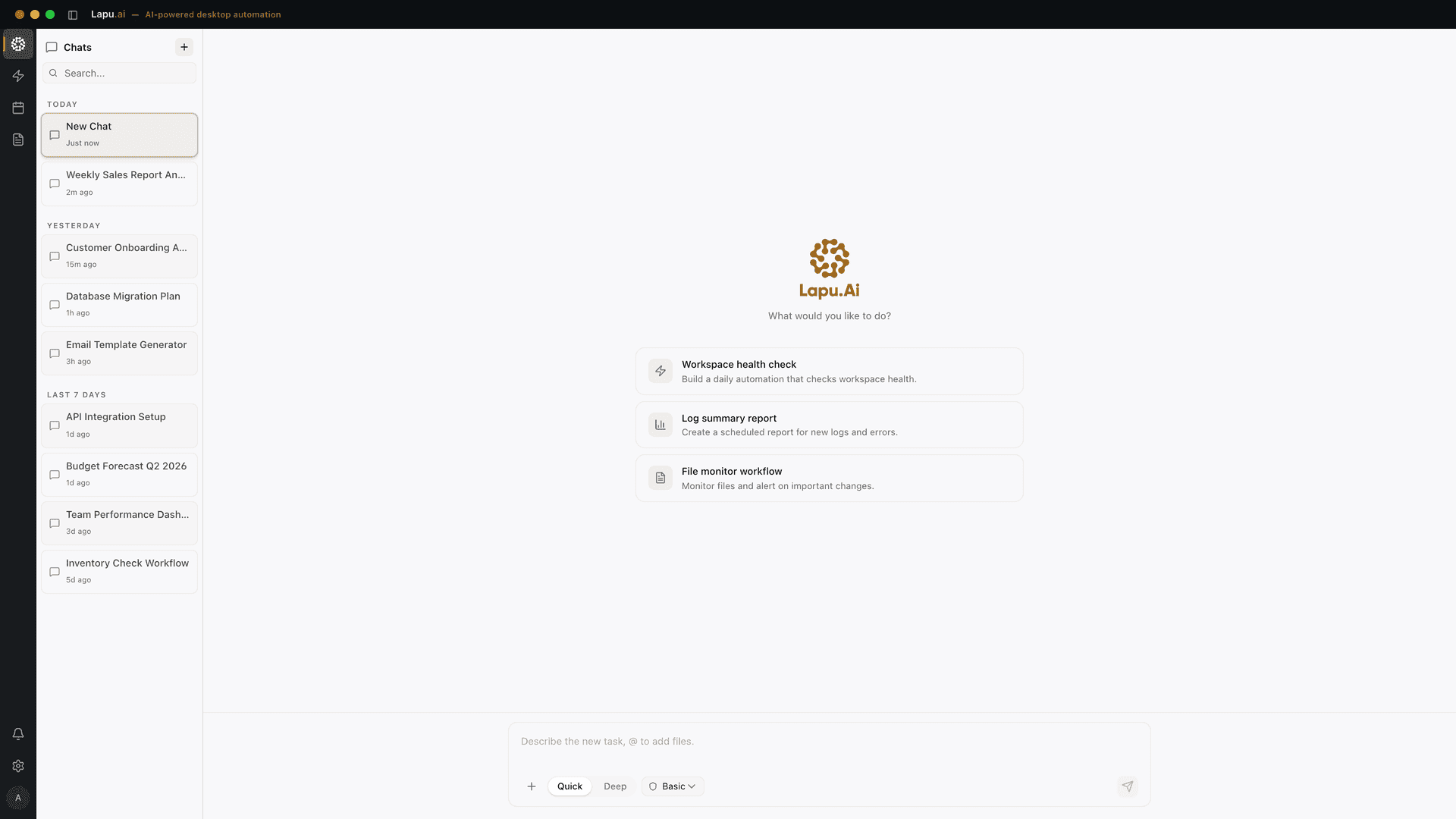
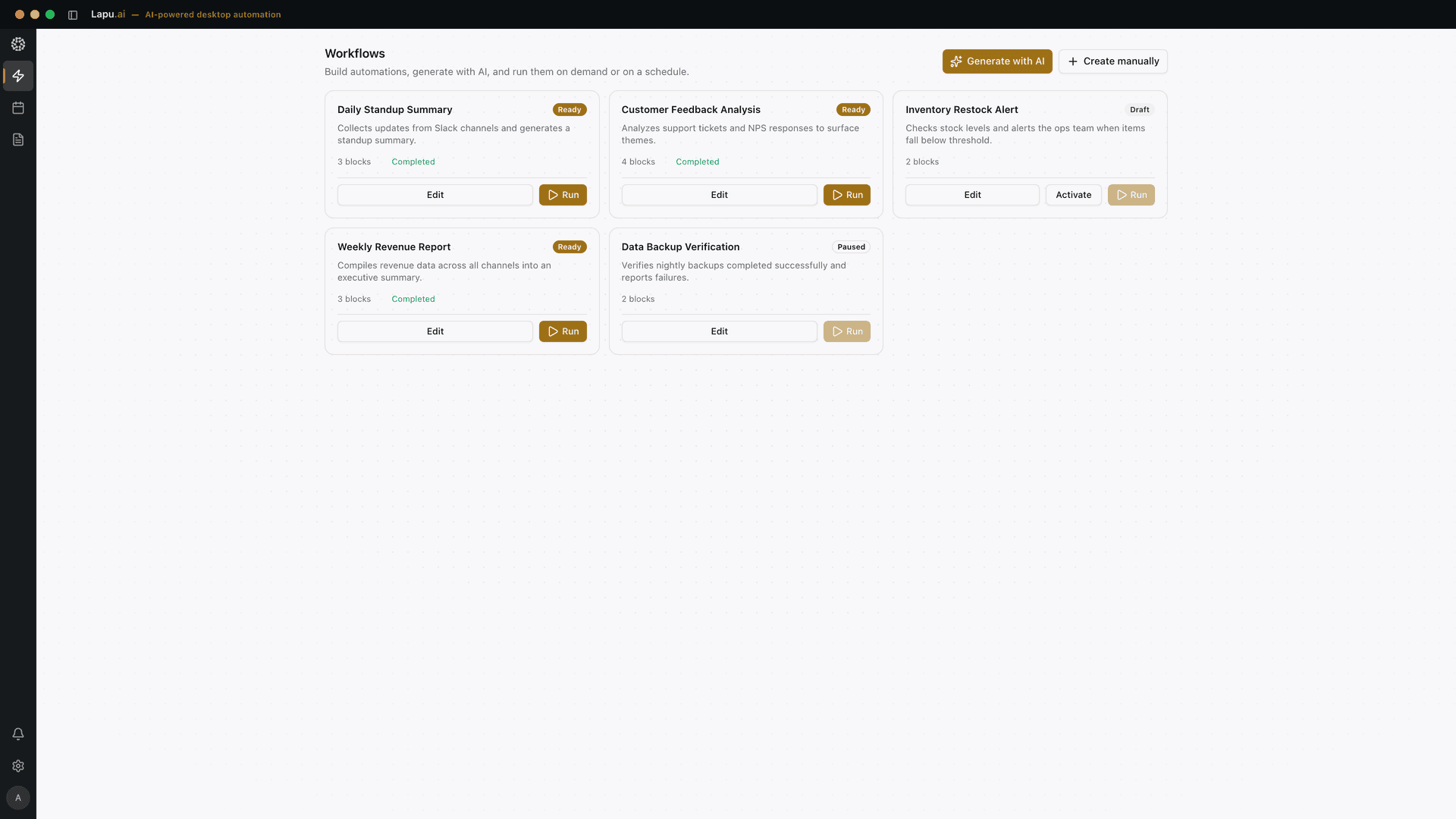
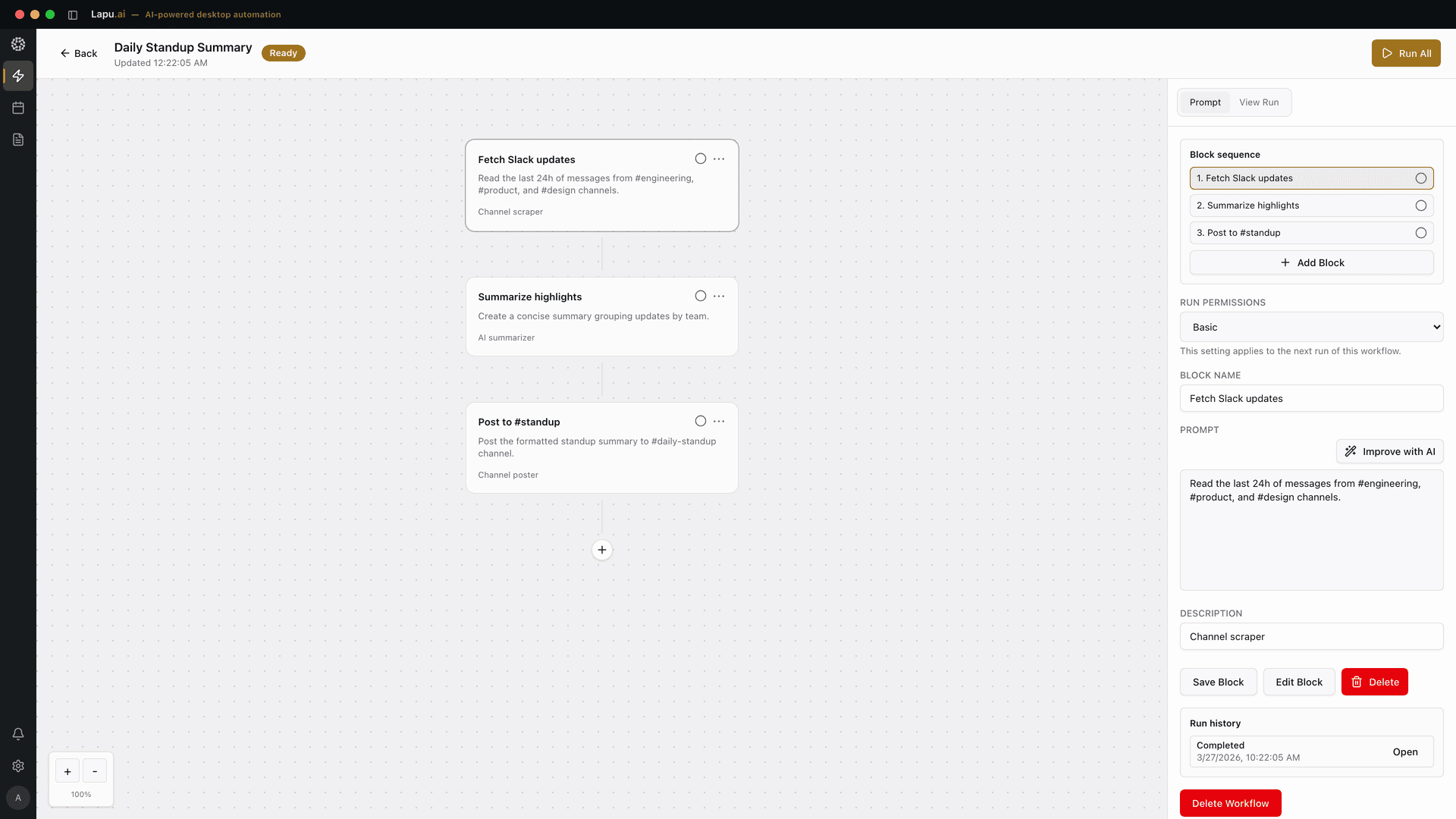
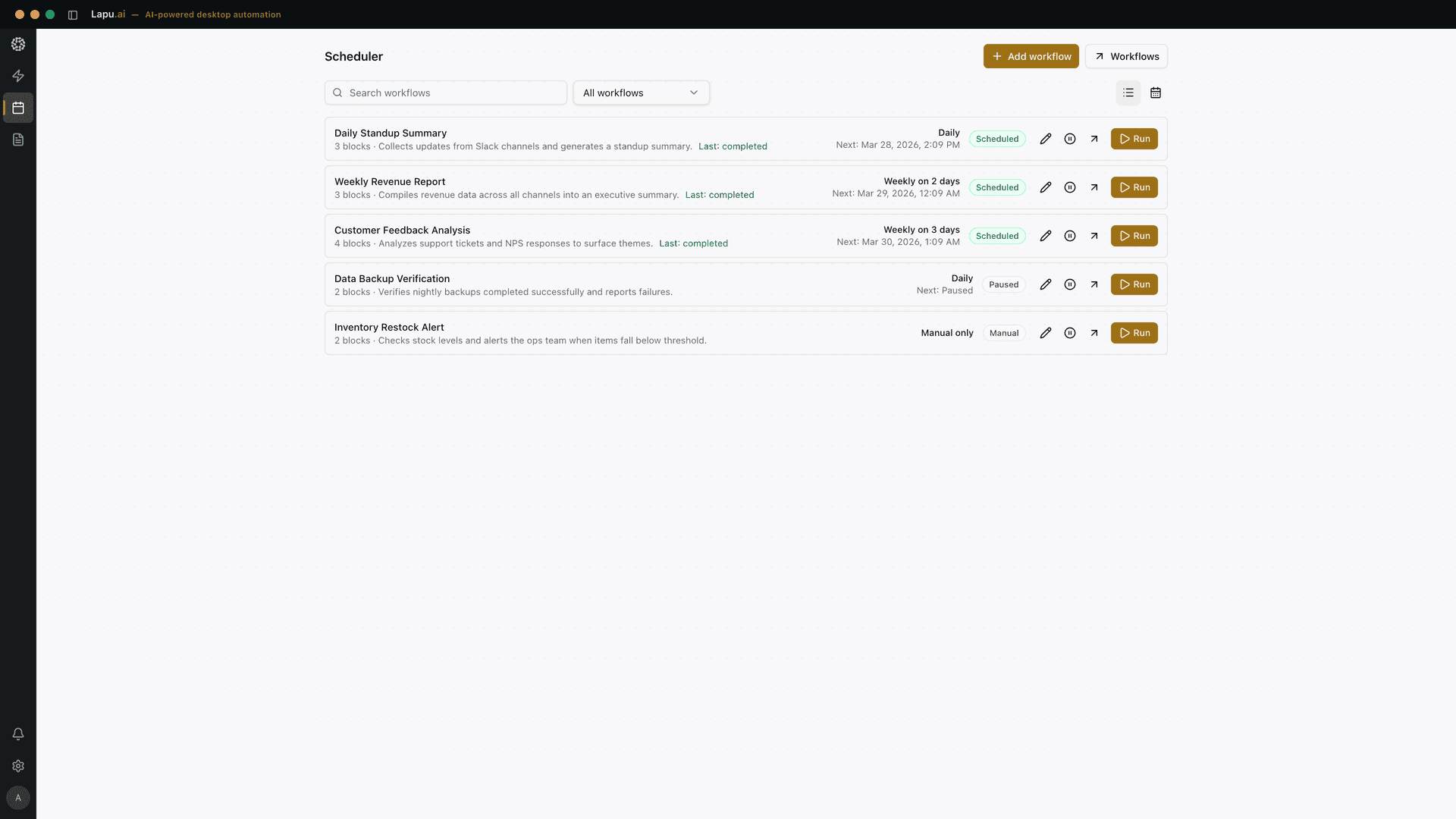
FAQ
Common questions
Do I need to write a cron job or any code?
No. You build the task by talking to the agent and approving the steps, then pick a cadence from the workflow settings. There is no cron syntax or scripting to manage — Lapu AI handles the scheduling.
What happens if a scheduled run needs my approval?
Scheduled workflows replay steps you already approved, but any newly sensitive action — deleting files, submitting a form, sending something — still pauses for confirmation. The run waits and notifies you rather than acting on its own.
Is workflow scheduling available on the free plan?
You can build and run workflows on the free plan to try them out. Automatic scheduling — setting a workflow to run on repeat without you — is part of the Pro plan. See the pricing page for the current breakdown.
Explore more
Related use cases
Cross-App Workflows
One prompt, multiple apps. The agent reads a spreadsheet, runs a script, pastes results into a presentation, and logs the outcome — all in a single workflow.
See how it worksDataData Processing
Describe the transformation you need in plain English. The agent writes and runs the Python script, shell pipeline, or Node job — you just approve and get clean output.
See how it worksProductivityFile Organization
500 files in your Downloads folder? The agent reads them, understands what they are, sorts them into labeled folders, and renames everything — in minutes, not hours.
See how it works