
Automate browser tasks with a desktop AI agent
No more tab-juggling. The agent opens pages, reads content, fills forms, clicks through flows, and pulls the data back into your files — across sites, in a single workflow.
- 1-click uninstall
- Cancel anytime
- Files never leave your computer
At a glance
- Adapts when the page layout changes — reads the page, no brittle selectors
- Handles logins, dynamic content, and multi-step flows in context
- Runs attended, asking before it clicks anything risky
- Not built for lights-out, high-volume crawling
- Slower per action than a hard-coded script
- Needs a visible browser session, not a headless farm
Impact
What changes
The same task, two ways — how it plays out by hand today, and what changes once Lapu AI runs it for you.
Without Lapu AI
A marketer spends an hour opening 40 prospect sites one by one, copying the contact email and a one-line description from each, and pasting them into a spreadsheet.
With Lapu AI
Lapu AI visits each site, reads the page, extracts the email and description, and writes every row back to the spreadsheet — while the marketer reviews the results.
The challenge
Web work is repetitive and scattered across tabs: copy a value from one site, paste it into a form on another, check a dashboard, download a file, repeat. Browser macro recorders break the moment a page layout changes, and most AI chatbots cannot touch a real browser at all — they can describe what to do, but not do it.
How Lapu AI solves this
Hand Lapu AI the boring web work (checking pages, copying details into a spreadsheet, filling the same form over and over) and it does it across as many sites as you need, in one go. It reads each page and adapts when the layout changes, so it does not break the way a recorded macro does. And it never submits a form or clicks buy without asking you first.
Navigation and reads can be auto-approved; form submits and clicks are permission-gated and logged in the audit trail.
Workflow
How it works
Describe the web task
Tell the agent what to do across one or more sites — for example, 'Open each product URL in links.txt, read the price and stock status, and save the results to a CSV.' The agent plans the navigation and extraction sequence. Running that on a competitor's catalogue is covered under AI competitor monitoring.
The agent navigates and reads
Lapu AI opens pages, reads the rendered content, and can run JavaScript in the page to pull values that are not in the raw HTML. It understands what it reads, so it can follow links, paginate, and handle different layouts without a brittle script.
Act and export with approvals
The agent fills fields, clicks buttons, and moves between sites. Each state-changing action (submit, click, purchase) requires your confirmation. Extracted data is written to the file or app you choose.
Under the hood — for the technically curious
Lapu AI is a desktop AI agent that drives a real browser from your own machine: it navigates pages, reads the rendered content, and can run JavaScript in the page context to pull values that are not in the raw HTML. Because it reasons about what it reads instead of replaying fixed coordinates, it handles new layouts and pagination, and every state-changing action (submit, click, purchase) is permission-gated and logged.
Permissions it asks for
- Browser — to navigate sites, read page content, and run JavaScript in the page
- Browser (input) — to fill forms and click buttons (state-changing actions require approval)
- File Read — to read source URLs and input data
- File Edit — to write extracted data and logs to output files
Each is permission-gated — Lapu AI asks before it runs.
Just ask
Say it in plain words
No commands to learn. Tell Lapu AI what you want the way you would tell a coworker.
You
Open each URL in links.txt, extract the page title and the first paragraph, and save the results to a CSV.
You
Log into our admin dashboard, read the open-ticket count from the overview page, and append it with today's date to metrics.csv.
You
For each company in leads.csv, search the site, find the contact email on the page, and add it back to the spreadsheet.
Ready to try this workflow?
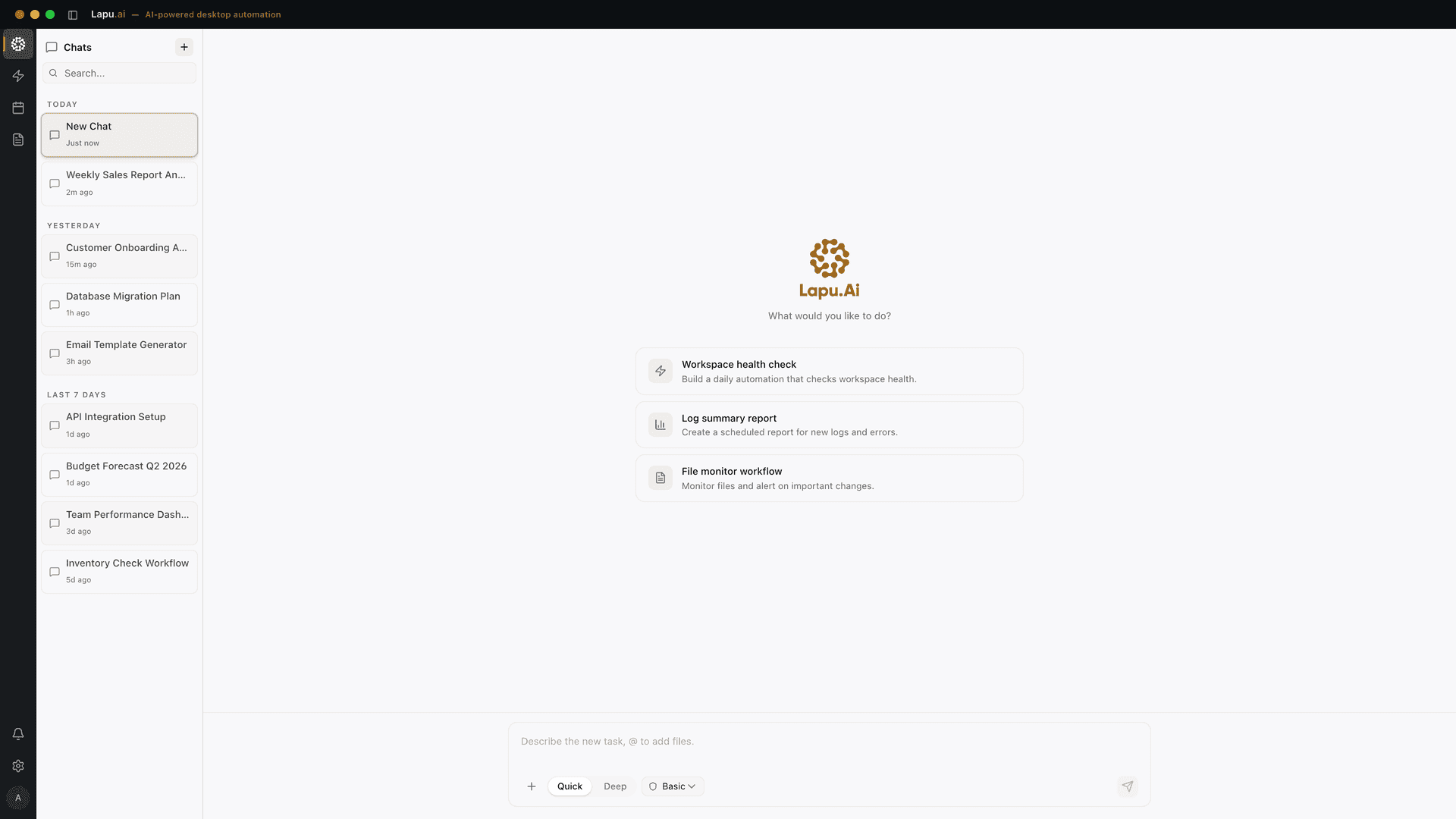
Download Lapu AI and run it on your own machine. Free to start — see exactly what it looks like first.
- 1-click uninstall
- Cancel anytime
- Files never leave your computer
FAQ
Common questions
How is this different from a browser extension or macro recorder?
Macro recorders replay fixed clicks and break when a page changes. Lapu AI reads and reasons about the live page, so it can adapt to new layouts, follow links, and decide what to extract. It runs from your desktop and can also move data into local files and other apps, not just the browser.
Can it log into sites on my behalf?
It can drive the login form, but it never bypasses authentication. You stay in control: any submit or click is permission-gated, and you can complete sensitive steps like multi-factor prompts yourself. Credentials are not stored by Lapu AI.
Will it click 'buy' or submit forms without asking?
No. Navigation and reading can be auto-approved, but every state-changing action — submitting a form, clicking a purchase or send button — is classified as a sensitive action and waits for your explicit approval.
Explore more
Related use cases
Cross-App Workflows
One prompt, multiple apps. The agent reads a spreadsheet, runs a script, pastes results into a presentation, and logs the outcome — all in a single workflow.
See how it worksResearchResearch & Extraction
Search thousands of files in seconds. The agent uses Grep, Glob, and File Read to find exactly what you need, extract the relevant pieces, and compile a structured summary.
See how it works