An AI desktop PC is a Windows computer with a neural processing unit (NPU) fast enough to run AI workloads on-device — at least 40 trillion operations per second under Microsoft's Copilot+ spec, plus 16 GB of RAM and 256 GB of storage. The hardware matters because desktop AI agents use it to handle real work without sending your files to the cloud. This guide explains what the spec actually means, what runs on it, and what is still missing before the silicon becomes useful.
What an AI desktop PC actually is#
The phrase "AI desktop PC" is shorthand for a Windows desktop that meets Microsoft's Copilot+ baseline. Microsoft set the floor on May 20, 2024 when it announced the Copilot+ category: an on-board NPU capable of "40+ TOPS (trillion operations per second)" plus the rest of a modern Windows machine (Microsoft, 2024). The Snapdragon X Series chips that defined the first generation hit 45 NPU TOPS, comfortably above the bar.
That spec is what changed. Every Windows PC for the last decade had a CPU and most had a GPU, both of which can run AI math. The NPU is a third silicon block sized specifically for the kind of integer-heavy matrix multiplication that small-to-medium AI models do. Running those models on the NPU keeps the CPU free for the operating system and the GPU free for graphics, and it draws less power, which is the difference between a laptop that gets eight hours and one that gets four.
The "desktop" in "AI desktop PC" is a form-factor distinction. The Copilot+ spec is the same on a tower, a mini-PC, an all-in-one, or a laptop. The desktop variant tends to have more thermal headroom, which means the same NPU sustains its peak TOPS rating longer than it can in a fanless laptop chassis. For workloads like local model fine-tuning, batch transcription, or running a small open-weight model continuously in the background, that headroom matters.
Where the spec came from#
Microsoft did not invent the NPU; Apple's Neural Engine has been in the M-series Macs since 2020 and in iPhones since 2017. What Microsoft did in May 2024 was draw a line in the sand for Windows: anything below 40 TOPS would not be branded Copilot+, and only Copilot+ machines would get the first wave of system-wide AI features. The reasoning was simple — features like Recall (the on-device timeline that lets you "access virtually what you have seen or done on your PC") need consistent, predictable NPU throughput, and shipping them on hardware that could not run them at usable speed would have killed the category.
The first hardware to qualify was Qualcomm-only — Snapdragon X Elite and X Plus chips. Pre-orders opened on May 20, 2024, and the first laptops shipped on June 18, 2024. The list has since expanded to Intel Core Ultra Series 2 (Lunar Lake on laptops, Arrow Lake-derived parts on desktop) and AMD Ryzen AI 300 series. Microsoft documents the developer-facing definition in detail: "Copilot+ PCs are powered by a turbocharged NPU... capable of more than 40 trillion operations per second (TOPS)" (Microsoft Learn, 2025). The spec is hardware-anchored, not vendor-anchored.
Hardware that makes a PC an AI PC#
In practical terms, four pieces of hardware decide whether a desktop qualifies:
- NPU at ≥40 TOPS. This is the gate. Pre-2024 Intel and AMD chips with NPUs (Meteor Lake, Ryzen 7040/8040) generally do not clear it and miss the Copilot+ feature set. Current-generation chips clear it comfortably.
- RAM at ≥16 GB. Microsoft sets this as the floor; running a local AI assistant plus the rest of Windows fits, with headroom. For local model work outside the OS features, 32 GB or 64 GB is more comfortable.
- Storage at ≥256 GB SSD. A floor; in practice you want more once Recall and a few local models start caching content.
- Windows 11 version 24H2 or newer. This is the OS level that ships the NPU-aware feature pipeline. Older Windows builds do not expose the same APIs even if the hardware is present.
The NPU is the only piece you cannot upgrade after the fact. RAM, storage, and OS version are all installable. If you are building or buying for AI work, the NPU choice is what you are committing to for the life of the machine.
A discrete GPU is not required to be an AI PC. It does help if you plan to run open-weight models above ~13B parameters or to do image generation outside the Microsoft-bundled features. An NVIDIA RTX 4060 or higher will run more demanding local models than any current NPU. The two pieces of silicon are complementary, not competitive — the NPU is power-efficient and OS-integrated; the GPU is brute-force capable.
What the hardware actually runs#
The visible benefit of an NPU is the on-device AI features Microsoft ships with the spec. The current set on a Copilot+ machine includes Recall (search your visual history of the screen), Live Captions with real-time translation across 44 languages, Cocreator in Paint (generative image edits on-device), Studio Effects in video calls (background blur, eye contact, voice clarity), and Click to Do (selective text actions like rewrite or summarize). Microsoft's product page lists the current generation directly (Microsoft, 2026).
The less-visible benefit is the broader software ecosystem starting to target the NPU. DaVinci Resolve, Adobe Premiere, OBS, Camo, and a growing list of creator and productivity apps now have NPU-accelerated paths for transcription, noise suppression, captioning, and selective inpainting. For developer-side AI work, ONNX Runtime, DirectML, and Windows ML expose the NPU to any model that ships in those formats.
What none of this covers, by itself, is a workflow. An NPU can transcribe a meeting; it cannot find the action items, draft the follow-up emails, and file the recording under the right client. That is where the software layer above the silicon matters.
The software layer that makes the hardware useful#
A blank AI PC is a fast laptop. The category becomes worth paying for when something on top of the OS treats your files, your apps, and your workflows as the actual workspace. That is what a desktop AI agent does.
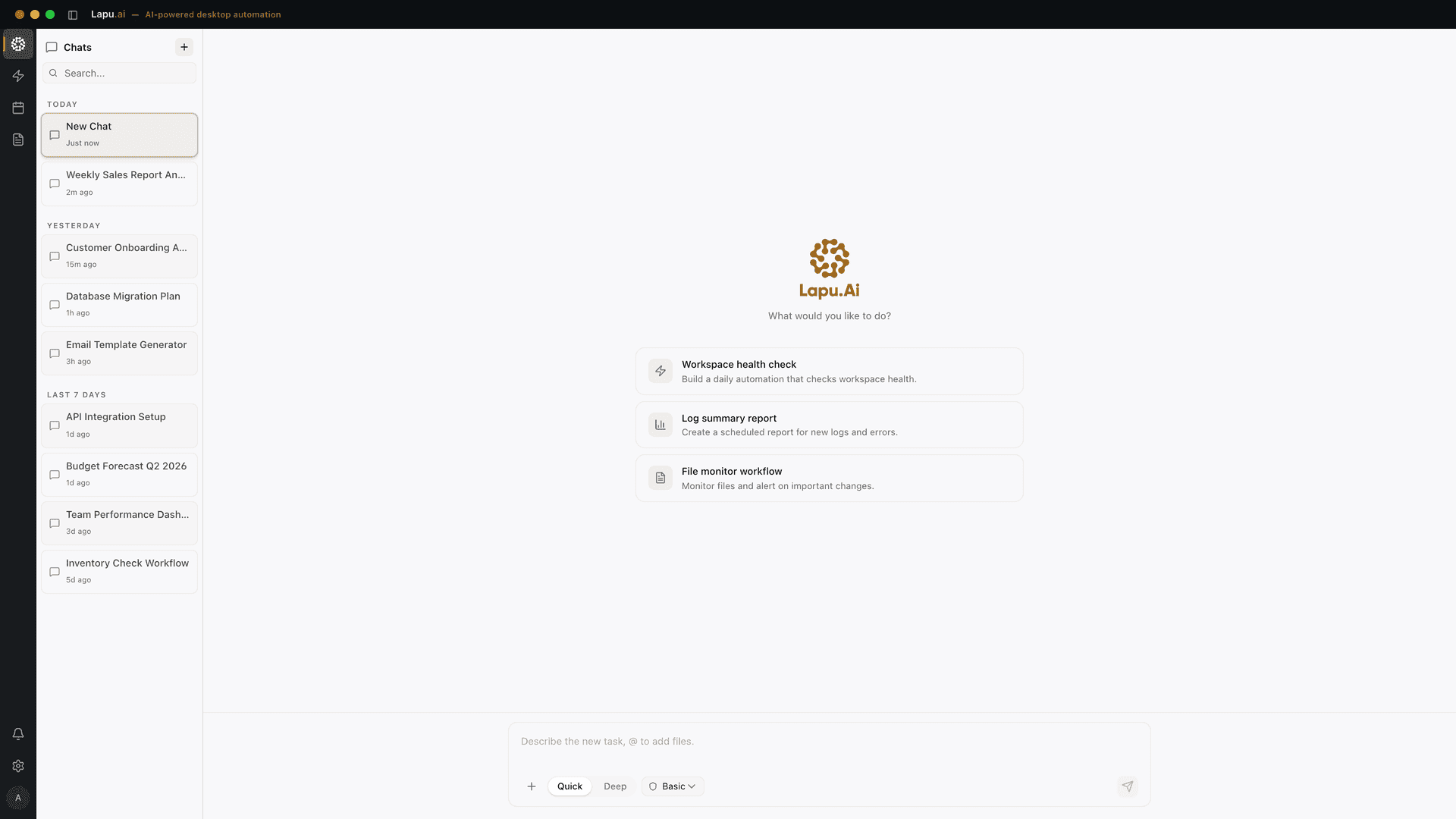
Lapu AI is one such agent. It runs natively on macOS and Windows, reads what is on screen through the OS accessibility tree (the same data the OS already exposes to screen readers), plans multi-step tasks, and acts on your files, terminal, and apps with permission gates on anything sensitive. On a Copilot+ AI desktop PC, the agent can route NPU-friendly work — transcription, captioning, on-device classification — to the local hardware, while the planning and reasoning loop uses a frontier model. The result is a workflow that runs locally where it can and uses the cloud only where it must.
This is the part that the AI PC marketing tends to skip. The hardware is necessary; it is not sufficient. Microsoft has shipped the features it can ship at the OS layer, but most of what knowledge workers actually want to do — reconcile a folder of invoices, triage an inbox, file a stack of receipts — does not live in any single application. A permissioned agent that can move between applications, with the silicon doing the heavy AI math underneath, is the combination that makes the category make sense.
AI desktop PC vs cloud-only AI#
The argument against an AI desktop PC is straightforward: cloud AI is already great, and it works on any machine with a browser. The argument for one is also straightforward and divides into three claims that an AI PC can defend.
The first is privacy. Anything the NPU processes on-device — captions on a call, content on screen, files the agent reads — does not leave the machine. For knowledge workers handling client material, medical records, or legal drafts, that is the difference between a tool you can adopt and a tool the compliance team blocks. Local-first AI is not a marketing posture on this hardware; it is what the NPU is designed for.
The second is latency. A 40+ TOPS NPU runs a small caption model or a classifier in milliseconds, with no round trip to a server. For real-time features — transcription, redaction, screen interpretation — local wins by a noticeable margin.
The third is offline capability. A laptop on a plane, a desktop on a temporarily severed network, a workstation in a SCIF — none of these reach a cloud API. An AI PC keeps working at reduced capability. A cloud-only stack stops.
None of these arguments make cloud AI obsolete. Frontier models still live in datacenters; complex reasoning, large context, and code generation will not move on-device for years. The honest 2026 answer is hybrid: a Copilot+ AI desktop PC for the local, latency-sensitive, private parts of the workflow, paired with cloud models for the heavy reasoning, all orchestrated by a desktop AI agent that knows which layer to use for each step.
FAQ#
What is an AI desktop PC?#
An AI desktop PC is a Windows desktop or workstation that meets Microsoft's Copilot+ baseline — a neural processing unit (NPU) capable of at least 40 trillion operations per second (TOPS), 16 GB of RAM, and 256 GB of storage. The NPU is the defining piece: it runs small-to-medium AI models locally without the CPU or GPU doing the work. The category was announced on May 20, 2024 and started shipping on June 18, 2024.
What does "TOPS" mean on an AI PC spec sheet?#
TOPS stands for tera operations per second — trillions of arithmetic operations the NPU can perform per second, measured on 8-bit integer workloads. It is a throughput number for AI inference. Microsoft's Copilot+ floor is 40 TOPS; the Snapdragon X Elite delivers 45 NPU TOPS. Above ~40 TOPS, small models for transcription, captions, image generation, and assistant tasks run on-device with low latency. Lower-TOPS NPUs (Intel's pre-Lunar Lake parts, AMD's pre-Strix parts) can still do AI work but fall back to the GPU or the cloud for heavier tasks.
Is an AI desktop PC different from an AI laptop?#
Only in form factor. The Copilot+ specification is identical: 40+ NPU TOPS, 16 GB RAM, 256 GB storage, Windows 11 24H2 or newer. A desktop AI PC has the same NPU silicon a laptop does — typically Snapdragon X, Intel Core Ultra Series 2, or AMD Ryzen AI 300 series — and the same on-device AI features. The desktop form factor gives you more thermal headroom, which means the NPU and GPU can hold peak performance longer for sustained workloads like batch transcription or local model fine-tuning.
Do I need an AI PC to run AI software?#
No. AI software that runs in the cloud — ChatGPT, Claude, Gemini, almost any SaaS — works on any computer with a browser. The NPU matters when the work needs to happen locally: offline transcription, real-time captions in video calls, image generation without uploads, or a desktop agent acting on your local files. The case for an AI PC is privacy, latency, and offline capability, not raw access to AI features. A desktop AI agent like Lapu AI runs on standard hardware too; the NPU just makes the on-device parts faster.
Which CPUs qualify as AI PC processors in 2026?#
Three families currently meet the 40-TOPS NPU floor: Qualcomm Snapdragon X Series (X Elite, X Plus, X2 Elite), Intel Core Ultra Series 2 (Lunar Lake and successors, code-named Arrow Lake on desktop), and AMD Ryzen AI 300 and 400 series. Earlier Intel Core Ultra Series 1 (Meteor Lake) and AMD Ryzen 7040/8040 series chips have NPUs but fall below the 40-TOPS threshold and do not get the Copilot+ feature set.
What does a desktop AI agent add to an AI PC?#
The NPU runs AI models. A desktop AI agent uses those models to do work across your applications. The agent reads your screen through the OS accessibility tree, plans multi-step tasks, and acts on your files, terminal, and apps with permission gates between sensitive steps. Without an agent, the NPU mostly powers feature-level capabilities — captions, search, image generation — that you trigger one at a time. With an agent like Lapu AI, the silicon becomes the engine behind workflows like "reconcile this invoice folder against the bank export and flag anything off by more than $5" that span multiple apps.
Will my existing desktop work as an AI PC if I upgrade the GPU?#
Partially. A strong discrete GPU runs many local AI models well — Llama, Mistral, Stable Diffusion, Whisper. What it does not give you is the Copilot+ branding or the system-wide Windows AI features (Recall, on-device Cortana-style search, Click to Do) that gate on the NPU floor. If you mostly want to run open-weight models locally for your own tooling, a GPU upgrade is the higher-impact path. If you want the OS-integrated AI features and the standard Copilot+ experience, the NPU is the requirement Microsoft will not waive.
Sources#
Try Lapu AI#
Lapu AI is a desktop AI agent for macOS and Windows that turns a Copilot+ AI desktop PC into a real workspace — reading your screen, planning multi-step tasks across native and web apps, and acting with permission gates on anything sensitive. Download Lapu AI or see the pricing plans to start.
FAQ
- What is an AI desktop PC?
- An AI desktop PC is a Windows desktop or workstation that meets Microsoft's Copilot+ baseline — a neural processing unit (NPU) capable of at least 40 trillion operations per second (TOPS), 16 GB of RAM, and 256 GB of storage. The NPU is the defining piece: it runs small-to-medium AI models locally without the CPU or GPU doing the work. The category was announced on May 20, 2024 and started shipping on June 18, 2024.
- What does 'TOPS' mean on an AI PC spec sheet?
- TOPS stands for tera operations per second — trillions of arithmetic operations the NPU can perform per second, measured on 8-bit integer workloads. It is a throughput number for AI inference. Microsoft's Copilot+ floor is 40 TOPS; the Snapdragon X Elite delivers 45 NPU TOPS. Above ~40 TOPS, small models for transcription, captions, image generation, and assistant tasks run on-device with low latency. Lower-TOPS NPUs (Intel's pre-Lunar Lake parts, AMD's pre-Strix parts) can still do AI work but fall back to the GPU or the cloud for heavier tasks.
- Is an AI desktop PC different from an AI laptop?
- Only in form factor. The Copilot+ specification is identical: 40+ NPU TOPS, 16 GB RAM, 256 GB storage, Windows 11 24H2 or newer. A desktop AI PC has the same NPU silicon a laptop does — typically Snapdragon X, Intel Core Ultra Series 2, or AMD Ryzen AI 300 series — and the same on-device AI features. The desktop form factor gives you more thermal headroom, which means the NPU and GPU can hold peak performance longer for sustained workloads like batch transcription or local model fine-tuning.
- Do I need an AI PC to run AI software?
- No. AI software that runs in the cloud — ChatGPT, Claude, Gemini, almost any SaaS — works on any computer with a browser. The NPU matters when the work needs to happen locally: offline transcription, real-time captions in video calls, image generation without uploads, or a desktop agent acting on your local files. The case for an AI PC is privacy, latency, and offline capability, not raw access to AI features. A desktop AI agent like Lapu AI runs on standard hardware too; the NPU just makes the on-device parts faster.
- Which CPUs qualify as AI PC processors in 2026?
- Three families currently meet the 40-TOPS NPU floor: Qualcomm Snapdragon X Series (X Elite, X Plus, X2 Elite), Intel Core Ultra Series 2 (Lunar Lake and successors, code-named Arrow Lake on desktop), and AMD Ryzen AI 300 and 400 series. Earlier Intel Core Ultra Series 1 (Meteor Lake) and AMD Ryzen 7040/8040 series chips have NPUs but fall below the 40-TOPS threshold and do not get the Copilot+ feature set.
- What does a desktop AI agent add to an AI PC?
- The NPU runs AI models. A desktop AI agent uses those models to do work across your applications. The agent reads your screen through the OS accessibility tree, plans multi-step tasks, and acts on your files, terminal, and apps with permission gates between sensitive steps. Without an agent, the NPU mostly powers feature-level capabilities — captions, search, image generation — that you trigger one at a time. With an agent like Lapu AI, the silicon becomes the engine behind workflows like 'reconcile this invoice folder against the bank export and flag anything off by more than $5' that span multiple apps.
- Will my existing desktop work as an AI PC if I upgrade the GPU?
- Partially. A strong discrete GPU runs many local AI models well — Llama, Mistral, Stable Diffusion, Whisper. What it does not give you is the Copilot+ branding or the system-wide Windows AI features (Recall, on-device Cortana-style search, Click to Do) that gate on the NPU floor. If you mostly want to run open-weight models locally for your own tooling, a GPU upgrade is the higher-impact path. If you want the OS-integrated AI features and the standard Copilot+ experience, the NPU is the requirement Microsoft will not waive.
Sources
- Introducing Copilot+ PCs — Microsoft (2024-05-20) · accessed 2026-05-25
- Copilot+ PCs developer guide — Microsoft Learn (2025-03-12) · accessed 2026-05-25
- Shop Copilot+ PCs: Windows AI PCs and Laptops — Microsoft (2026-04-30) · accessed 2026-05-25