A least privilege AI agent receives only the permissions required for the current task — not the broad access of the user who launched it. For a desktop AI agent that can read files, run shell commands, and act in real applications on macOS or Windows, this is not optional. It is the difference between a useful tool and a single prompt injection away from arbitrary code execution. This guide explains what least privilege actually means for an agent that touches your real machine, the permission tiers Lapu AI uses, and the design trade-offs every team gets wrong.
What a least privilege AI agent actually means
Least privilege is an old idea applied to a new problem. The classical formulation says every component of a system should run with the minimum access needed to do its job. For human users, that is a static role assignment. For AI agents, the same words mean something different: each individual tool call should be authorized for the specific task the agent is doing, not the agent's general capability.
The distinction matters because agents reason. They do not run a fixed code path. They pick tools dynamically based on what looks useful in context. Okta's 2026 guidance on the topic puts it plainly: "Least privilege means limiting an agent's access to only the resources and actions explicitly required to complete its current task, not its general purpose" (Okta, 2026). The unit of scope is the task, not the agent.
OWASP's 2025 Top 10 for LLM Applications ranks "Excessive Agency" as the #6 risk, defined as a system with too much functionality, too many permissions, or too much autonomy for what it is doing (OWASP, 2025). All three failure modes share one root cause: someone designed the agent's access upfront and never narrowed it for the actual work.
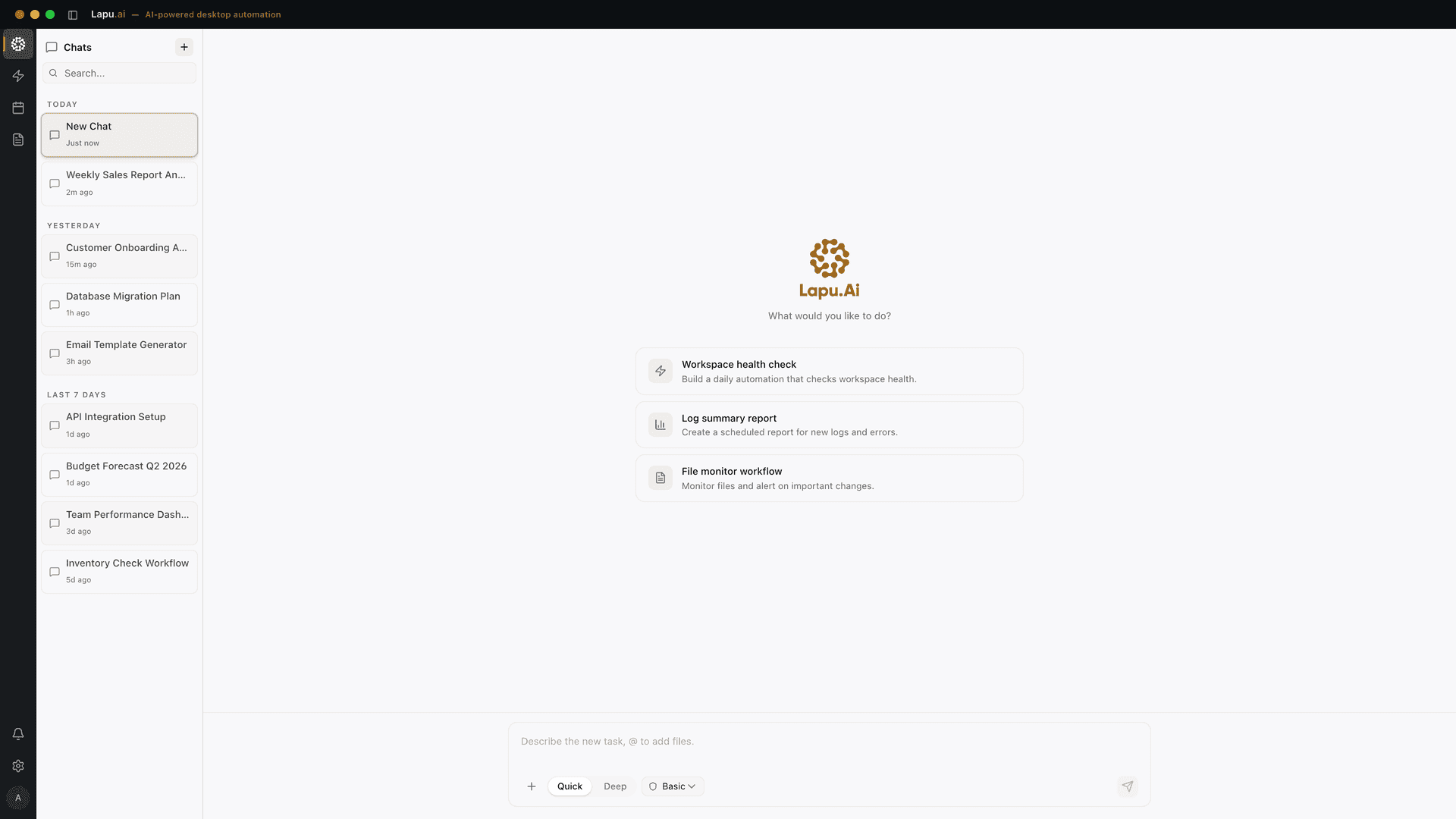
A least privilege AI agent does the opposite. It starts at zero access and earns each grant per task. Reads inside the working folder are silent. Writes inside the folder are approved once per session. Anything that could touch another user's data, run a shell command outside the workspace, or send data to the network requires explicit per-action confirmation. The audit trail records every check.
Why this matters more for desktop agents
The desktop is where this gets real. A cloud agent that uses your files has already moved them off your machine — the permission story is whatever the vendor's infrastructure happens to allow. A desktop agent sees each file in place, on disk, in its real path. That gives it more tools for enforcement, and more responsibility to use them.
Anthropic's own computer-use documentation makes the safety position clear: "We recommend taking precautions to isolate Claude from sensitive data and actions to avoid risks related to prompt injection" (Anthropic, 2025). Isolation here means least privilege at the tool layer — the same model that can read your Downloads folder should not, by default, be able to read your password manager.
AWS's Well-Architected guidance for agentic workflows assigns this risk a level of "High" and frames the fix as a layered defense: scoped IAM roles per agent, permission boundaries on the role, and explicit user confirmation for actions outside the agent's defined task scope (AWS, 2025). That model translates almost directly to desktop agents — scoped tool sets, capability boundaries, and human-in-the-loop on consequential actions.
The desktop has one structural advantage cloud agents lack: the OS already has a permission system. Filesystem ACLs, Accessibility API gates, Full Disk Access prompts, signed binaries, and per-app capability containers on macOS and Windows are all available to a native agent. Lapu AI uses these as the outer gate; the agent's own per-task scoping is the inner gate. Two gates beat one.
The four permission tiers of a desktop agent
A workable least privilege model on the desktop needs more than two states (allowed/denied). Lapu AI groups operations into four tiers, each with different default behavior:
- Tier 1 — Silent reads. Reading files inside the working folder, listing directories, capturing screenshots of the agent's own window. These run silently. Recovery from a wrong read is trivial (it changes nothing).
- Tier 2 — Approved writes in scope. Writing or modifying files inside the working folder. One approval per session covers all subsequent writes in that folder. Recovery is possible from the audit trail, which records every byte the agent changed.
- Tier 3 — Approved operations out of scope. Reading or writing outside the working folder, running shell commands, sending data to a network endpoint not in an allowed list. Each operation prompts at the moment it happens. The prompt shows the exact path, command, or URL.
- Tier 4 — Destructive and irreversible. File deletion,
rm -rfstyle operations, sending email or messages, payment APIs, admin-only system changes. Each call prompts. No session caching. A typo here can be unrecoverable, so the friction is intentional.
| Tier | What the agent may do | Friction |
|---|---|---|
| Tier 1 — Silent reads | Reads inside the working folder | Runs silently |
| Tier 2 — Approved writes in scope | Writes inside the working folder | One approval per session |
| Tier 3 — Approved operations out of scope | Out-of-folder reads/writes, shell, network calls | Prompt per operation |
| Tier 4 — Destructive and irreversible | Delete, send, payment, admin changes | Prompt every call, no caching |
The tiers are not abstract. They map directly to the function-call interface the model uses. The tool list the model sees at Tier 1 differs from the list at Tier 3 — operations the agent has not been granted access to are not even visible. This is OWASP's recommendation to "minimize extensions" implemented at the API layer: the model cannot call a tool it does not know about.
Notice what this does NOT do: it does not stop the agent from being useful inside the working folder. The vast majority of desktop tasks — refactoring a project, organizing a Downloads folder, summarizing a directory of PDFs — happen entirely at Tiers 1 and 2. Friction is concentrated where asymmetric risk lives.
Static vs runtime permission design
Every team building agent permissions runs into the same trap: they design the permission set in advance, ship it, and watch it drift toward overpermissioning over time. The reason is that the agent will hit edge cases the designer did not anticipate, and the easy fix is always to add a permission.
Okta's guidance addresses this directly: traditional least privilege "assumes access can be designed in advance," but agents "reason, plan, and adapt at runtime, making upfront permission design an exercise in guesswork that always drifts toward overpermissioning" (Okta, 2026). The fix is dual control: static review for declared intent (what the agent is supposed to do) plus runtime derivation for actual behavior (what the agent actually did).
For a desktop agent, this looks like:
- Declare the task. The user describes what they want. The agent extracts the resources implied — folders, files, apps. This is the static contract.
- Scope each tool call. Before each action, the agent checks: is this resource within the declared scope? If not, prompt. If yes, proceed per tier.
- Observe and reconcile. The audit trail records what the agent actually touched. Anything outside the declared scope is flagged for review.
The reconciliation step is what catches the drift. If an agent runs a task daily and the audit shows it consistently asks for the same out-of-scope permission, that is signal — either the declared scope was wrong, or someone needs to look at why the agent keeps trying to do that. Without observation, drift is invisible.
What overpermissioned agents look like in practice
The failure mode is concrete. AWS's guidance flags one common pattern: an agent given a single broad IAM role that "facilitates access to data sources" plus "compute resources" — read, that role can read every database AND execute arbitrary Lambda functions. A successful prompt injection at any point in the agent's reasoning becomes a path to "perform unauthorized or unintended actions" (AWS, 2025).
On the desktop the equivalent is an agent that asks for Full Disk Access once at install time and never narrows scope again. Every subsequent session runs with read-write access to every folder on the machine. The agent's permission boundary is the entire user account. If a malicious instruction lands in any document the agent reads, the blast radius is everything that user owns.
The fix is not to deny Full Disk Access — most useful desktop agents need it at the OS layer. The fix is to make Full Disk Access at the OS layer NOT mean full disk access at the agent layer. The agent gates each operation against the current task scope, independent of what the OS grants. That is the second gate. It is the only way to prevent a one-time install grant from becoming a permanent everything-grant.
If you compare permission models when picking an agent — and you should — this is the question that separates serious products from cargo-cult ones. See our deeper permission models walk-through for a full comparison.
Questions to ask any agent vendor
When evaluating any desktop AI agent, the answers to these questions tell you whether least privilege is real or marketing:
- Per-session vs lifetime grants. Does an approval for writes in this folder last for this session, or for every session ever? Lifetime grants are not least privilege.
- Operation granularity. Can the agent scope a shell command to one working directory, or does shell access mean shell access everywhere?
- Tool visibility per scope. Are out-of-scope tools hidden from the model, or are they visible-but-blocked? Hidden is better — the model cannot try what it cannot see.
- Network egress controls. What network endpoints can the agent reach by default? Does the user see and approve each new endpoint?
- Audit completeness. Does every permission decision (granted, denied, prompted) appear in the audit trail with the exact resource and prompt?
- Cross-session drift detection. Does the agent surface permissions it requested but the user denied? Repeated denials of the same operation are a signal worth knowing about.
Most cloud AI agents cannot answer most of these questions because they do not have access to per-operation OS-level enforcement. A cloud sandbox like OpenAI Operator draws its boundary at the upload step, not at each tool call. A desktop-native agent should be able to answer every one with specifics. If you do not get specifics, you are not getting least privilege.
This matters most for anyone whose agent routinely touches sensitive files, shells, and credentials where a single over-broad grant has an outsized blast radius. Least privilege is one pillar of the broader agent security and permissions model; the audit trail that records every grant and denial is the other.
FAQ
- What is least privilege for an AI agent?
- Least privilege for an AI agent means giving it exactly the access required to complete the current task, not the full inherited permissions of the user who launched it. If the task is 'summarize this PDF,' the agent gets read access to that file — not write access to the home directory, not network egress, not shell. When the task ends, every grant is revoked. The principle is identical to how security teams scope human users and service accounts; the only difference is that agents reason about which tools to use, so static design alone is not enough.
- How is this different from regular user permissions on macOS or Windows?
- OS-level permissions gate the user's whole session — once you grant an app full disk access, every action that app takes runs with that access. A least privilege AI agent layers a second gate inside the app: even though the agent process has full disk access on paper, each individual tool call (read this file, run this command, send this network request) is checked against the current task scope. Lapu AI uses this dual model so a single broad OS grant does not become a single broad agent grant.
- Why is excessive agency #6 on the OWASP LLM Top 10?
- OWASP defines excessive agency as the vulnerability that emerges when an LLM-based system has too much functionality, too many permissions, or too much autonomy for the task it is doing. It is high on the list because the consequences are concrete and immediate: an agent with broad permissions plus a successful prompt injection becomes an arbitrary code execution path. The 2025 ranking specifically calls out 'unnecessary capabilities,' 'unneeded access rights to downstream systems,' and 'lack of human approval for high-impact actions' as the three failure modes.
- Does least privilege break agent usefulness?
- Done badly, yes — an agent that prompts for approval on every single read becomes unusable. Done well, no. The pattern that works is tiered defaults: read-only operations inside the working folder run silently, file writes inside the folder require one approval per session, anything outside the folder or anything destructive prompts per action. The friction is concentrated on the small set of operations that actually have asymmetric risk, not on the long tail of harmless reads.
- Can a cloud-based AI agent enforce least privilege as well as a desktop one?
- Not for desktop tasks. A cloud agent has to receive your files through an upload, work on them on the vendor's servers, and send results back. The permission boundary is the upload step itself — once data is in the cloud, the agent has whatever access the vendor's infrastructure provides. A desktop agent sees each file in place, can scope each operation to a specific path, and never moves data off the machine for the model to decide what to do with it. The local execution model is what makes fine-grained least privilege possible.
- What happens if I deny a permission request the agent asks for?
- The agent treats the denial as a tool error and decides what to do next — usually it will explain what it cannot do without that permission, or fall back to a different approach. A well-designed agent never tries to escalate, work around the denial, or hide the limitation from you. The agent's job is to ask, not to assume. The audit trail records every denial alongside every approval so you have a complete picture of what was attempted versus what actually ran.
- Does least privilege apply to local models too, or only cloud models?
- It applies to both. The permission model gates what the agent can do on the machine, not which model is doing the reasoning. A local model running on your GPU still calls the same file-read, shell-exec, and network-send tools the agent exposes — and those tools still need to be scoped to the task at hand. Local models reduce data-exposure risk but do not reduce excessive-agency risk; the two threats are independent.
Sources
- LLM06:2025 Excessive Agency — OWASP Gen AI Security Project (2025-01-15) · accessed 2026-05-27
- GENSEC05-BP01 Implement least privilege access and permissions boundaries for agentic workflows — AWS Well-Architected (2025-11-15) · accessed 2026-05-27
- How to implement least privilege for AI agents — Okta (2026-05-11) · accessed 2026-05-27
- Computer use tool — Anthropic (2025-11-24) · accessed 2026-05-27